Let you steer the computer's mouse, keyboard from any device's browser.
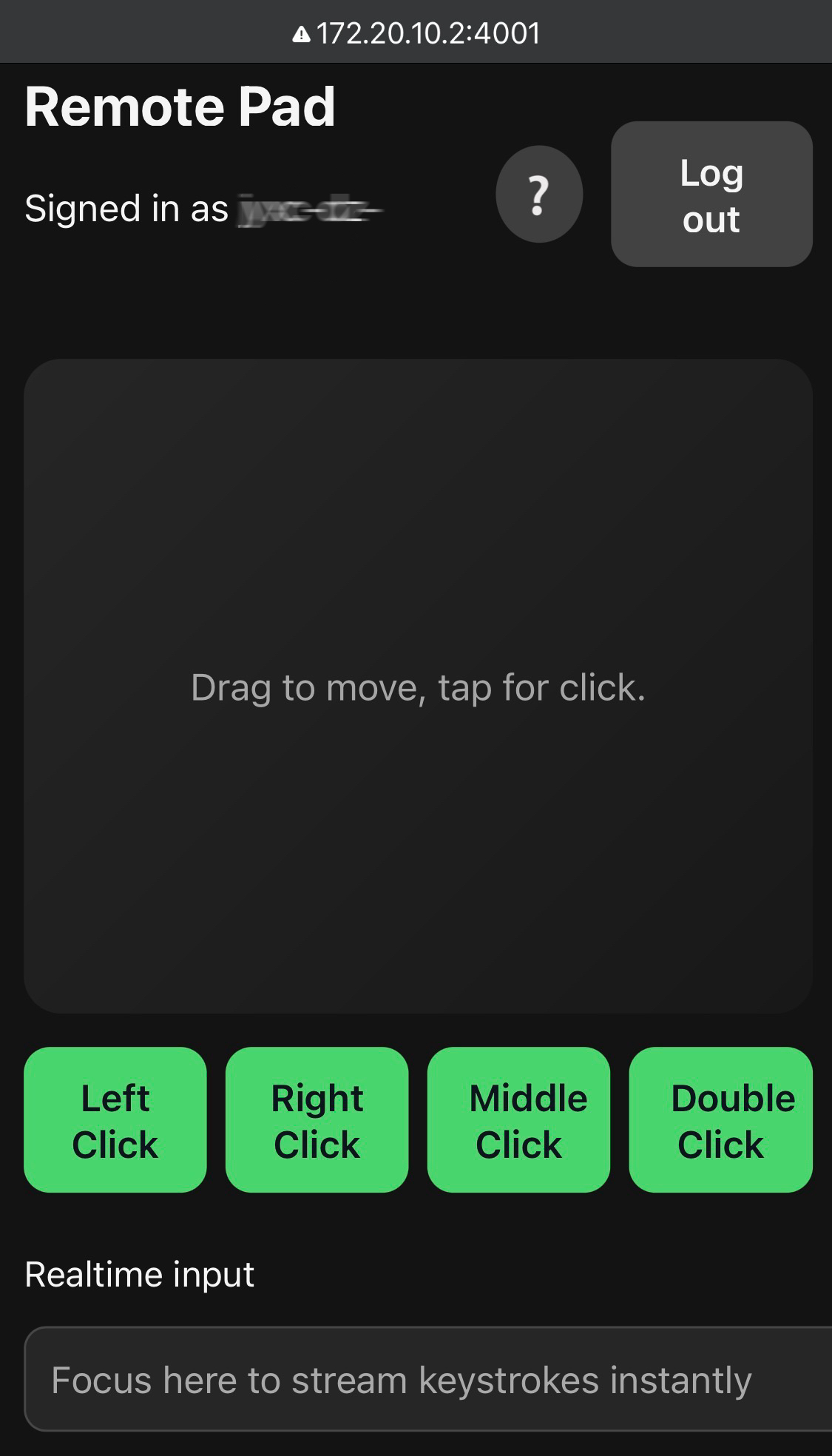
The server is written in pure Python with minimal dependencies and ships with a mobile-friendly frontend.
- Mouse cursor movement and click controls from touch or mouse devices.
- Realtime input field streams keystrokes (including Backspace/Delete) as you type.
- OS-level lock, and shutdown shortcuts (best-effort across Windows, macOS, Linux).
- Authentication that reuses the current OS account credentials, remembers trusted devices, and rate-limits brute-force attempts.
- Build with GPT-5-Codex, easy to customize and modify with vibe coding.
- Python 3.9 or newer.
- Desktop environments capable of receiving simulated input (X11/Wayland, Windows, or macOS).
- Linux/X11 hosts require the
libX11andlibXtstsystem libraries (commonly present on desktop distributions; Wayland sessions need XWayland support). - macOS hosts must grant the Python process accessibility permissions (System Settings → Privacy & Security → Accessibility).
pip install local_controllocal-control --help
local-control --port 4001Open http://<host-ip>:4001 from your phone, tablet, or another computer on the same LAN. Sign in with the current desktop user's username and password. Devices marked as trusted skip future logins under the same secret.