The height from two screens looks different #22

Description

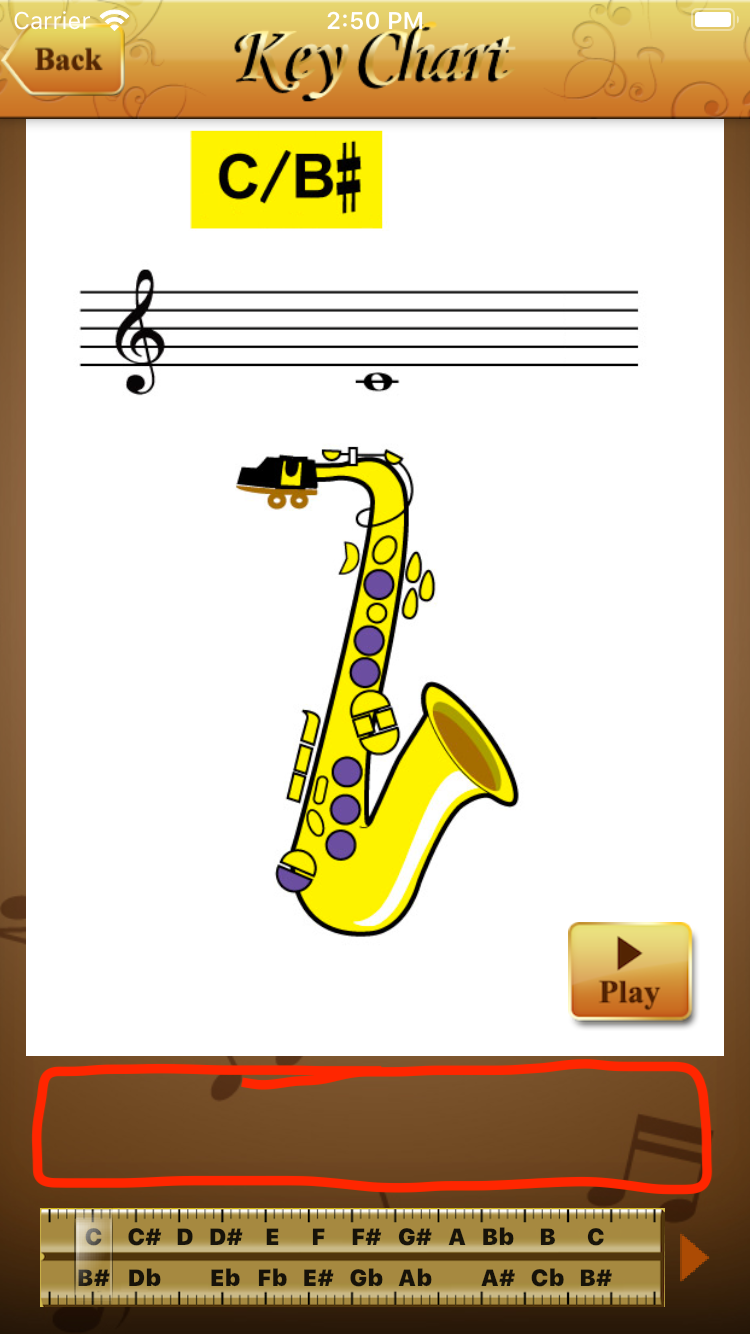
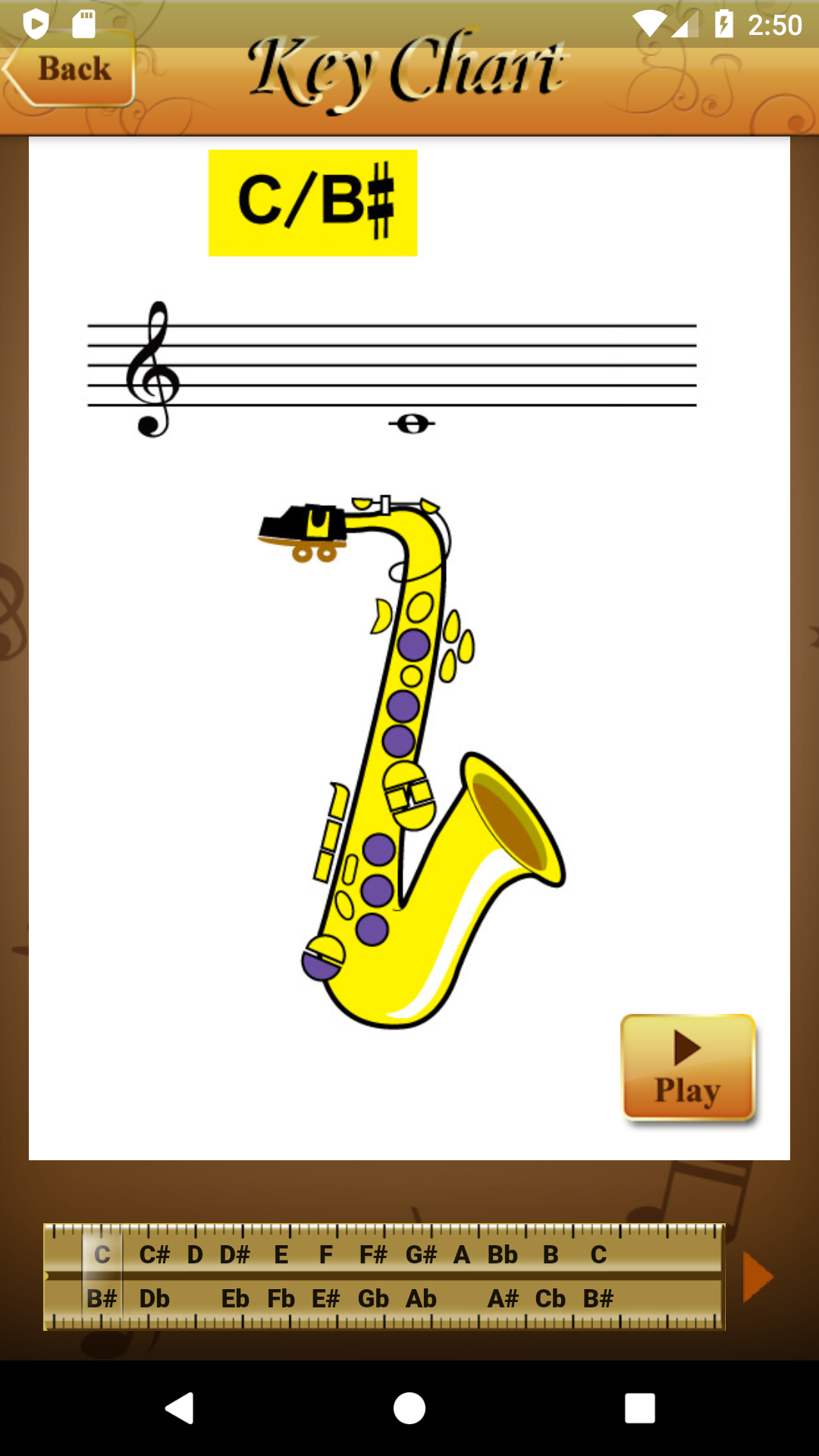
Does anyone know how to make the horizontal space scale correctly?
This is my main setup
ResponsiveWrapper.builder(
           BouncingScrollWrapper.builder(context, widget),
           maxWidth: 1200,
           minWidth: 480,
           defaultScale: true,
           breakpoints: [
             ResponsiveBreakpoint.autoScale(480, name: MOBILE),
             ResponsiveBreakpoint.autoScale(800, name: TABLET),
             ResponsiveBreakpoint.autoScale(1000, name: TABLET),
             ResponsiveBreakpoint.autoScale(1200, name: DESKTOP),
             ResponsiveBreakpoint.autoScale(2460, name: "4K"),
           ],
           background: Container(color: Color(0xFFF5F5F5)))
Here is my code
Column(
        children: [
          Stack(
              alignment: Alignment.bottomRight,
              children: [

                 Image(
                   image: AssetImage('assets/images/key_chart/keychart_${widget.keysImageName[widget.selected][0]}.png'),
                   fit: BoxFit.fitHeight,
                   height: 600,
                 ),


                Padding(
                  padding: const EdgeInsets.fromLTRB(0.0,0.0,32.0,16.0),
                  child: GestureDetector(
                    child: Image(
                        image: AssetImage('assets/images/key_chart/keychart_btn_play.png'),
                        fit: BoxFit.fitHeight,
                        height: 70,
                      ),
                    onTap: (){
                    },
                  ),
                ),
              ],
          ),
        ],
      );