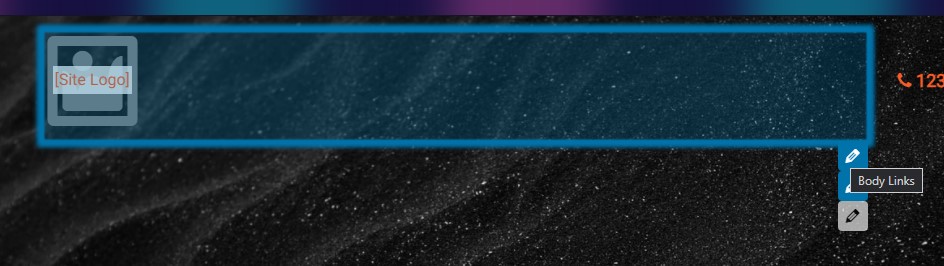
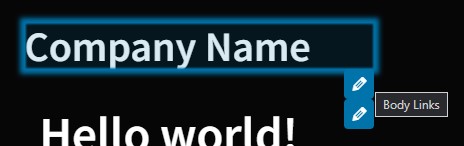
Pencil buttons with Custom Page Headers #459

Description

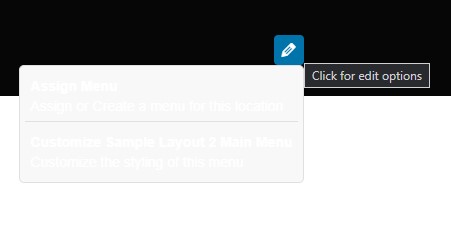
I am using the default palette on an install with the WP Unit test data and Custom Page Headers. With Sample Layout 2, 3, 4, and 6 I cannot read the links in one of the buttons - it's white text on a gray background. Also the button hover text says 'Click for edit options' it would be helpful if it said something about Menus.
Sample Layout 6 has two links in the top row - please hide the buttons by them. They are set in the Custom Page Header itself, not by the standard Customizer setting.

Sample Layouts 2, 5, and 6 have a link for Body Links by the Site Title / Logo when they should not: