Benty - VSCode Theme
Install on VS Code Marketplace
- Open VSCode
- Search for
Bentyin extensions - Install the theme and choose your variant in
Preferences: Color theme
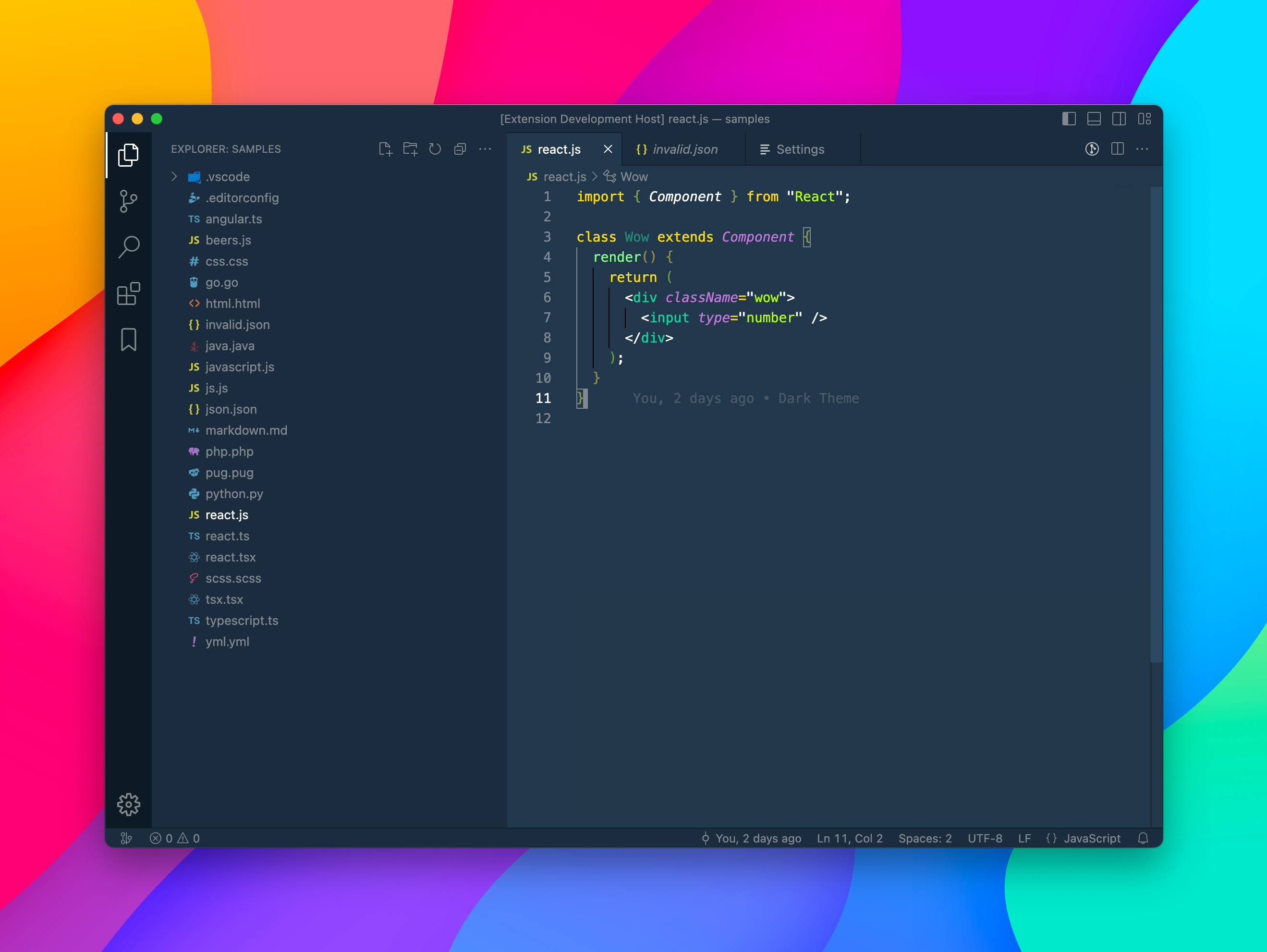
** Benty **
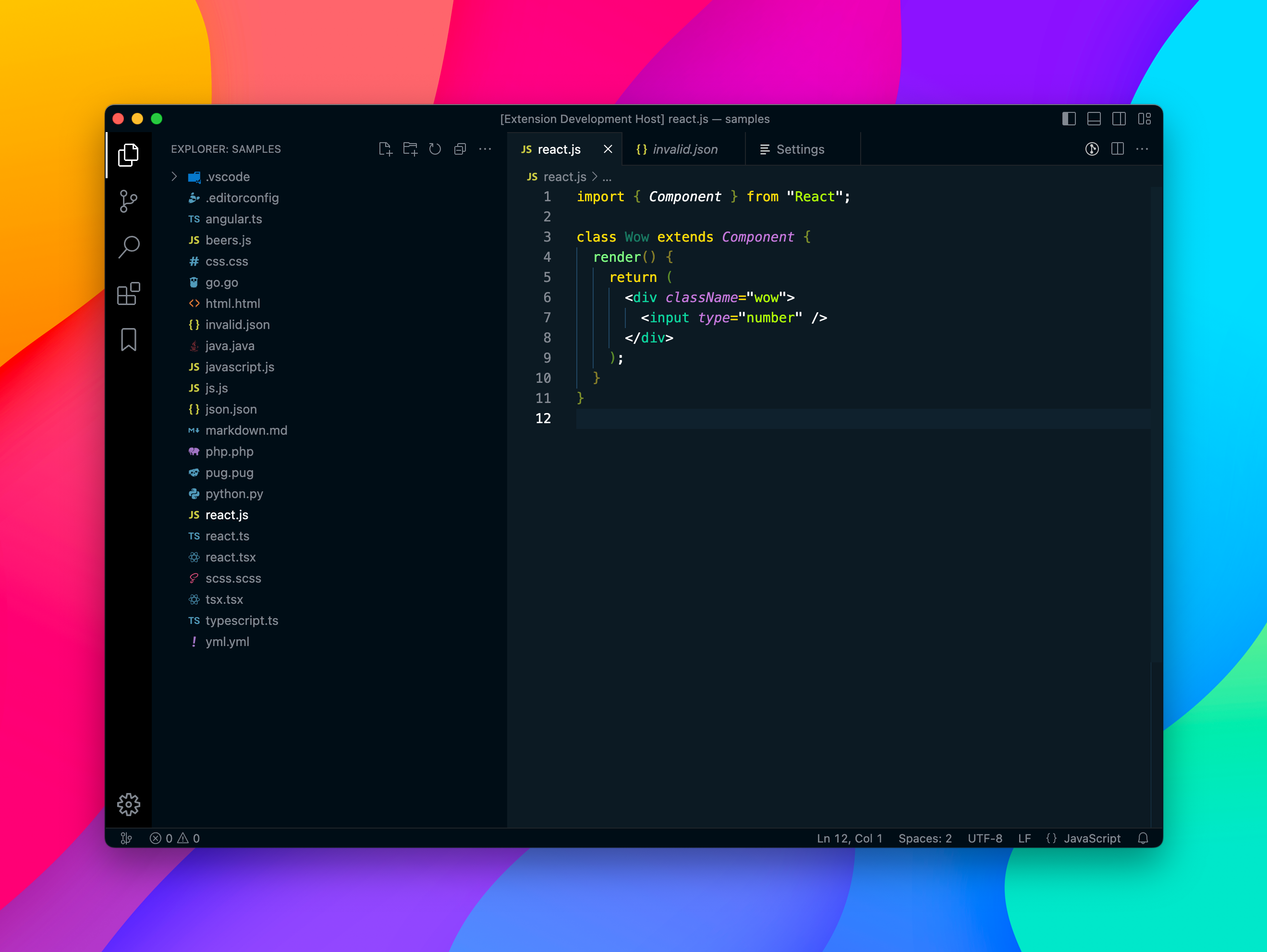
** Benty Dark **
- Increment the version number in
package.jsonwithnpm version major|minor|patch - run
npm run bundle - run
npm run publish