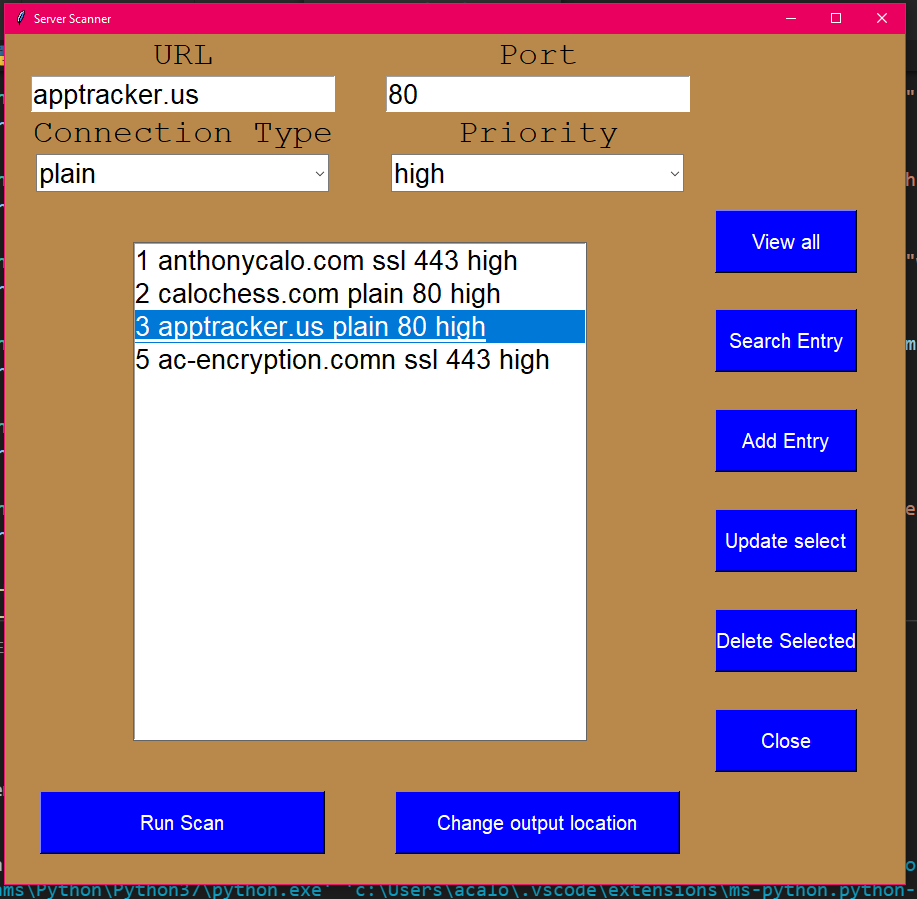
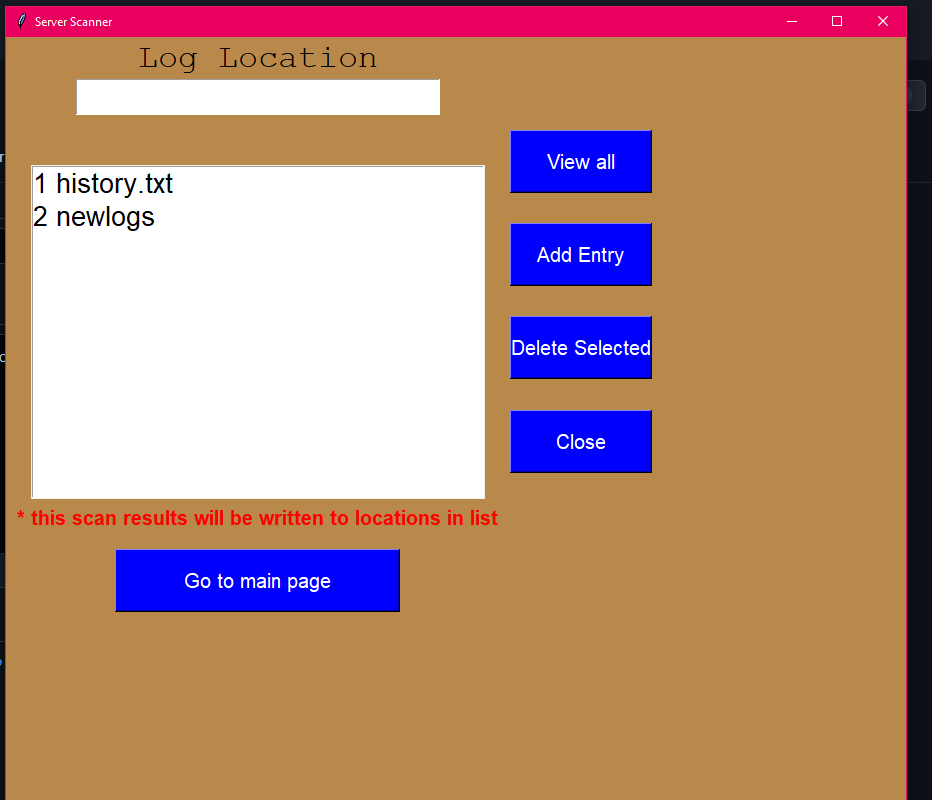
After this click on the second page to add a file location(bottom image). Write any file location. By default the file will appear in same folder as the program.
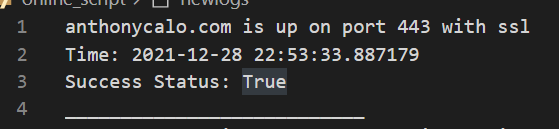
At this point press Run Scan and the application will scan the list of servers and write the results to the file locations listed. Example of the format below and in history.txt/ newlogs file in repo.

There is an optional feature that if a during a scan a high priority server is down the program will automatically email you with a message containing details.
In the Gmail.py on lines 12 & 13 enter gmail user and password. For this to work you will need to change a setting in gmail that allows less secure apps
This is completely optional and the application works fully without the additional email configuration
Once you configure the output locations and server list with the gui. You can schedule cronjob for python to run CheckServer.py. The scans will be automated to run at custom time. If you configure email update you won't even need to check logs because you'll get emailed if a server is down