Skip useless registration dialogs as well #39

Description

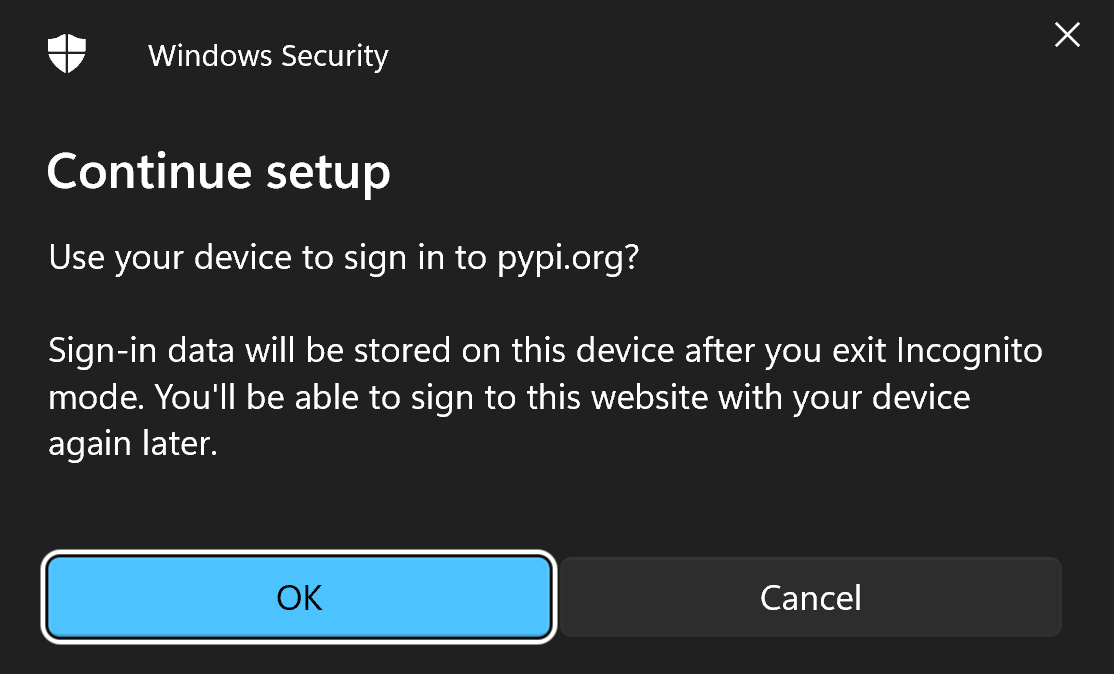
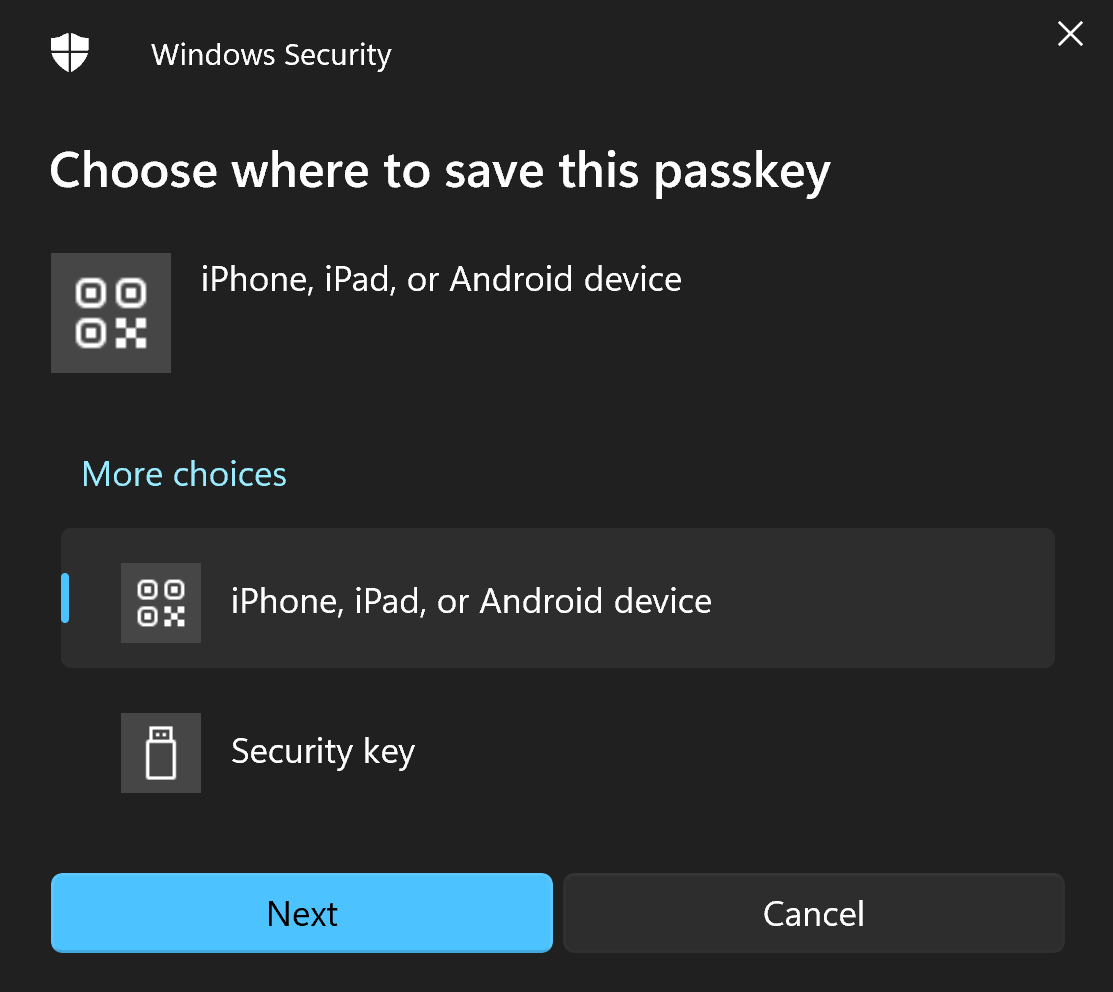
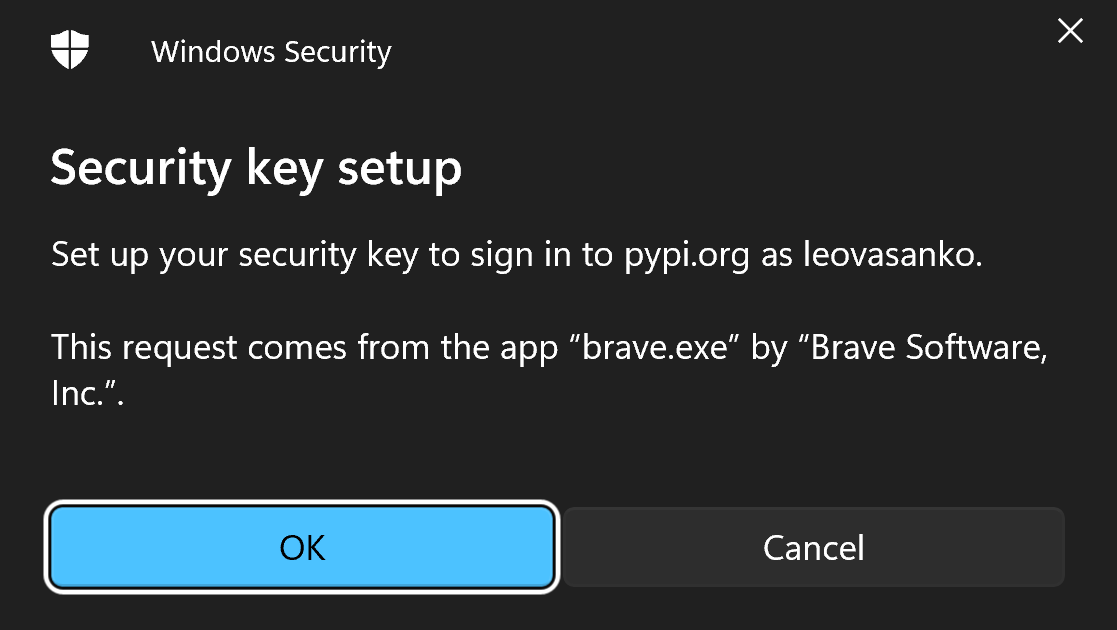
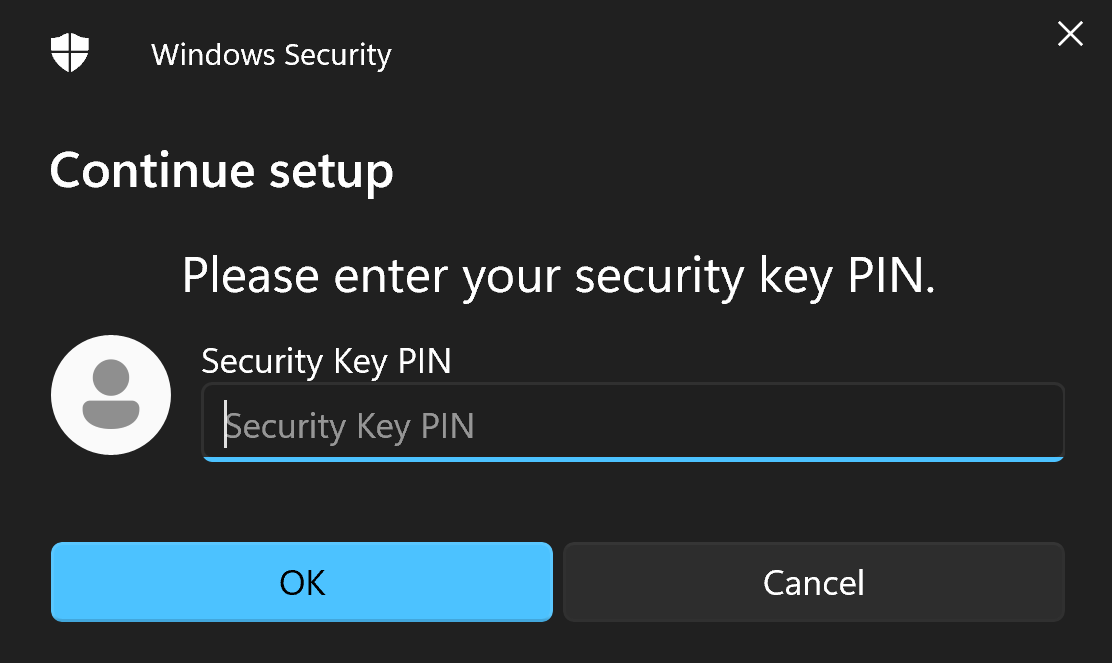
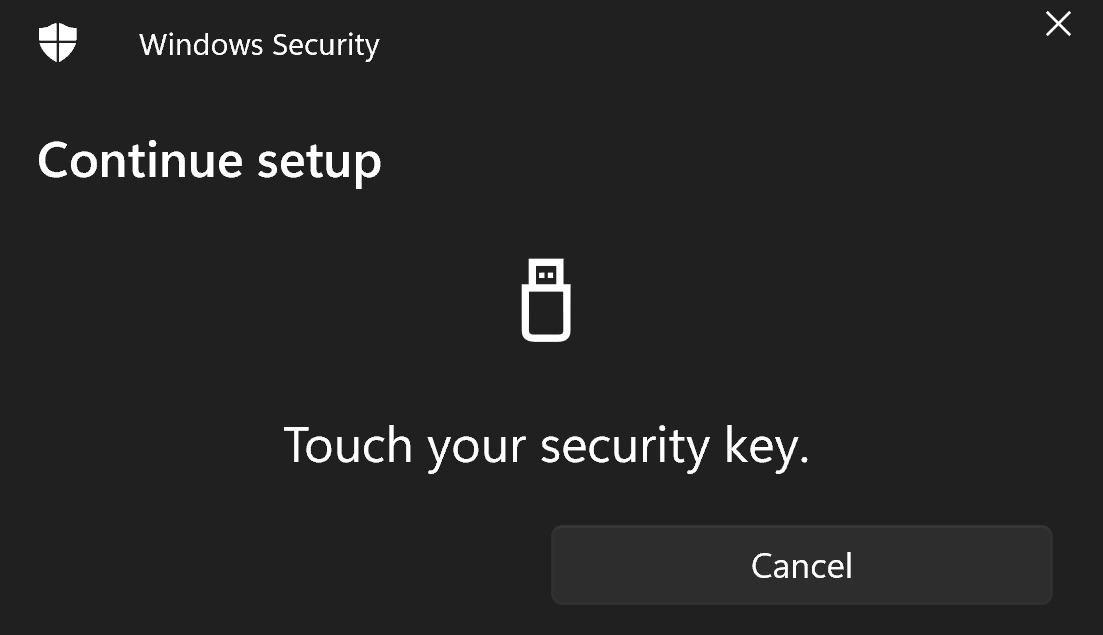
The credential registration consists of five dialogs where two would be more than sufficient. The flow (with or without this app) is demonstrated below.
- Confirmation that you want to sign on to example.com
- Select Security Key (not selected by default)
- Confirmation again, with all the details
- Enter PIN (this is the only thing it should ask, and preferably also remember that for a while after)
- Touch the key (simply instructional, no click on the dialog needed)
MacOS manages to do these with very few clicks, even allowing to touch the key before choosing to use a Security Key, to choose it. Unfortunately it seems that for Windows there are no sensible options and Microsoft isn't fixing it either.