Tracks the live position, velocity, and orientation of a moving object using one or more Intel RealSense D555 cameras and AprilTag markers. Data is saved to Excel at the end of each session. Also reads RPM and IMU data from an Arduino over serial in parallel.
(Tested with two cameras, supports n ≥ 1)
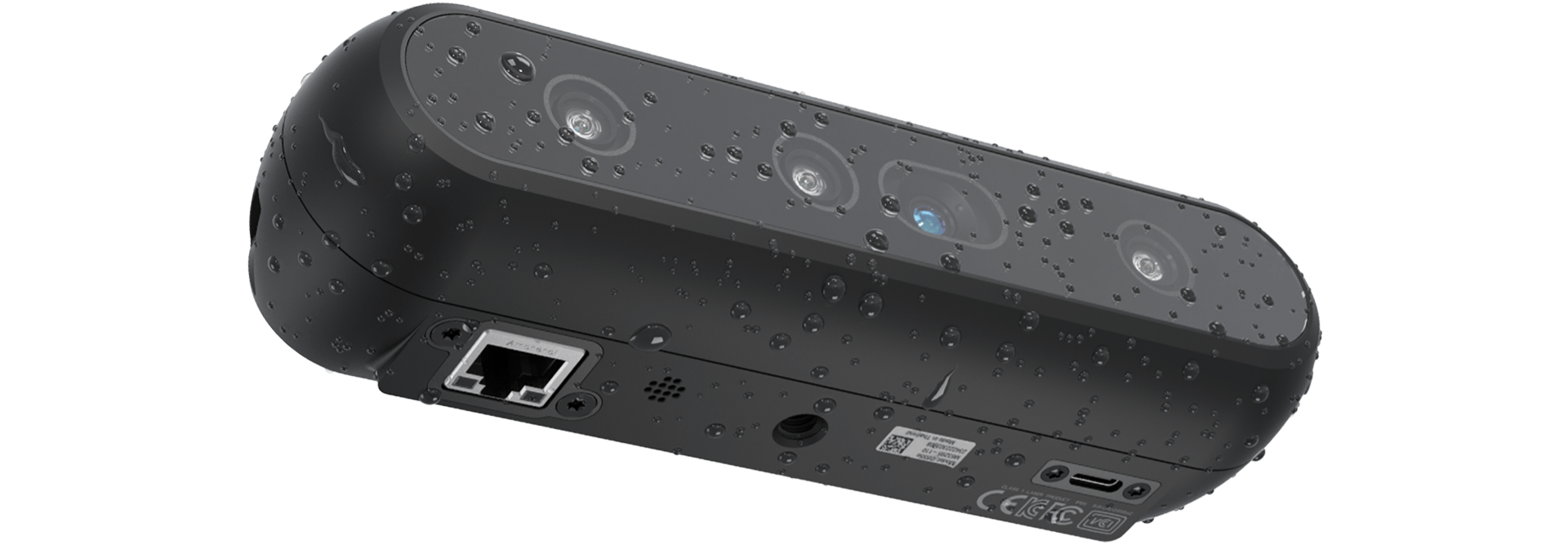
Install the following Python libraries:
pip install pyrealsense2
pip install pupil-apriltags
pip install numpy
pip install opencv-python
pip install scipy
pip install openpyxl
pip install pyserial
Also install the RealSense SDK version 2.57.x driver software, available from the RealSense GitHub.
Runs the full tracking session. Connects to all RealSense cameras, reads Arduino data over serial in a parallel thread, and saves everything to Excel on exit.
python3 tracker.py
Press ESC to stop and save.
Use this to identify the ID of an AprilTag before a session. Connect one RealSense camera and run:
python3 april_tag_finder.py
A video stream will open. Hold an AprilTag in front of the camera and read off the ID shown on screen.
At the top of tracker.py, adjust these values before running:
TRACK_TAG_ID = 8        # ID of the moving tag (attached to grinder)
WORLD_TAG_ID = 9        # ID of the stationary reference tag
world_tag_size  = 0.15  # Size of world tag in meters
target_tag_size = 0.15  # Size of target tag in meters

ARDUINO_PORT = "COM8"   # Serial port of the Arduino
ARDUINO_BAUD = 115200
To measure tag size: measure the length of the black square and add 0.02 m for the white border.
On exit, tracker.py saves a timestamped Excel file (grinding_data_YYYYMMDD_HHMMSS.xlsx) with two sheets:
Sheet: Camaras
| Column | Description |
|---|---|
timestamp |
Wall-clock datetime |
camera |
Camera name (cam_master, cam_slave_1, …) |
pos_x/y/z |
Position relative to world tag (meters) |
quat_x/y/z/w |
Orientation as quaternion |
roll_deg / pitch_deg / yaw_deg |
Orientation in degrees |
vel_x/y/z |
Raw velocity (m/s) |
vel_x_avg5 |
X velocity averaged over last 5 frames |
vel_x_ema |
X velocity with EMA smoothing (α=0.3) |
Sheet: Arduino
| Column | Description |
|---|---|
timestamp_ms |
Arduino uptime (ms) |
timestamp |
Wall-clock datetime |
rpm |
Motor RPM |
accel_x/y/z |
Acceleration (m/s²) |
gyro_x/y/z |
Angular velocity (rad/s) |
Video is also recorded for each camera as .avi files (color + depth).
Two tags are required:
- World tag (
WORLD_TAG_ID) — stationary, defines the reference frame. All cameras must be able to see this tag at all times. If it goes out of view, no data is recorded. - Track tag (
TRACK_TAG_ID) — attached to the moving object being tracked.
Uses the tag16h5 family. Make tags as large and visible as possible for best accuracy.
If a camera loses sight of the track tag during operation, rely on data from other cameras.
Ideal operating range: 0.3 m to 6 m. Accuracy increases with larger tags and higher resolution.
To reduce CPU overhead, comment out all cv2.imshow(...) lines in tracker.py. These are only needed for visual debugging.