Repository navigation
ActivityWatch doesn't display data from aw-watcher-web-chrome bucket #698
Description
Activity
Hi there!
As you're new to this repo, please make sure you've used an appropriate issue template and searched for duplicates (it helps us focus on actual development!). We'd also like to suggest that you read our contribution guidelines and our code of conduct.
Thanks a bunch for opening your first issue! 🙏This has been thoroughly discussed before, see following issue:


I am on the latest ActivityWatch version.
I have searched the issues of this repo and believe that this is not a duplicate.
OS name and version: Windows 10 20H2 (OS Build 19042.1415)
ActivityWatch version: Version: v0.11.0
Describe the bug
ActivityWatch web interface doesn't display data from aw-watcher-web-chrome bucket.
To Reproduce
Expected behavior
http://localhost:5600/#/activity/PC-NAME/view/browser should display data such as 'Top Browser Domains' and 'Top Browser URLs'.
Additional context
The bucket exists and is getting updated:

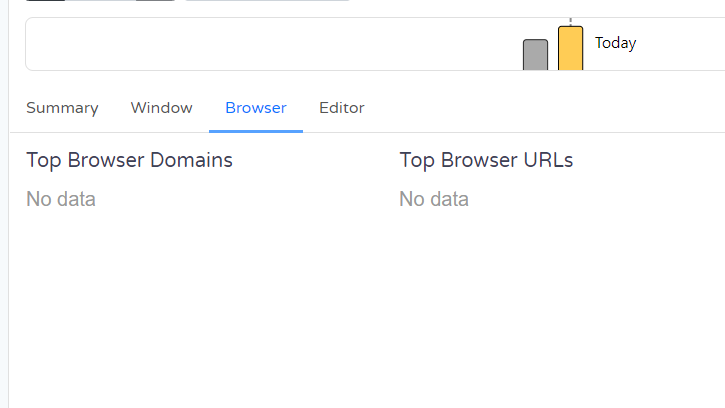
The problem:
I've also exported the aw-watcher-web-chrome bucket as json and checked that its content is valid.
What I have already tried
Full reinstall of ActivityWatch (including deletion of AppData\Local\activitywatch folder) and Brave browser.