Repository navigation
Cannot start stopwatch on Win10 #692
Description
Activity
Hi there!
As you're new to this repo, please make sure you've used an appropriate issue template and searched for duplicates (it helps us focus on actual development!). We'd also like to suggest that you read our contribution guidelines and our code of conduct.
Thanks a bunch for opening your first issue! 🙏Before reading forward, FWIW installing this build: https://github.com/ActivityWatch/activitywatch/actions/runs/1657895619 fixed my issue.
- I am on the latest ActivityWatch version.
- I have searched the issues of this repo and believe that my issue is generally a duplicate of the bug I'm commenting on #692, but I am encountering a slightly different error message and, thus, have additional info to share.
OS and version: Windows 10 Version 10.0.19042 Build 19042
TypeError: t is null. See dev console (F12) and/or server logs for more info.
I'm not sure what, if any, part of my server logs I should upload so I'm just pasting browser screenshots for now
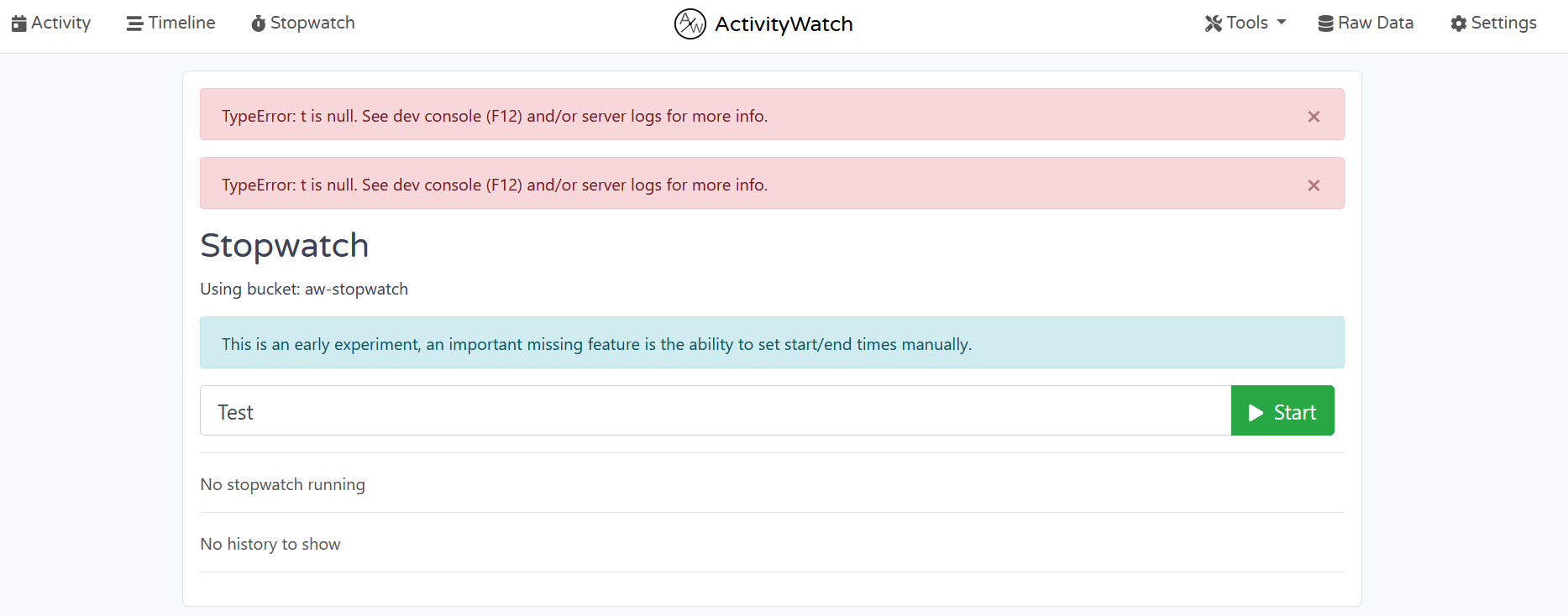
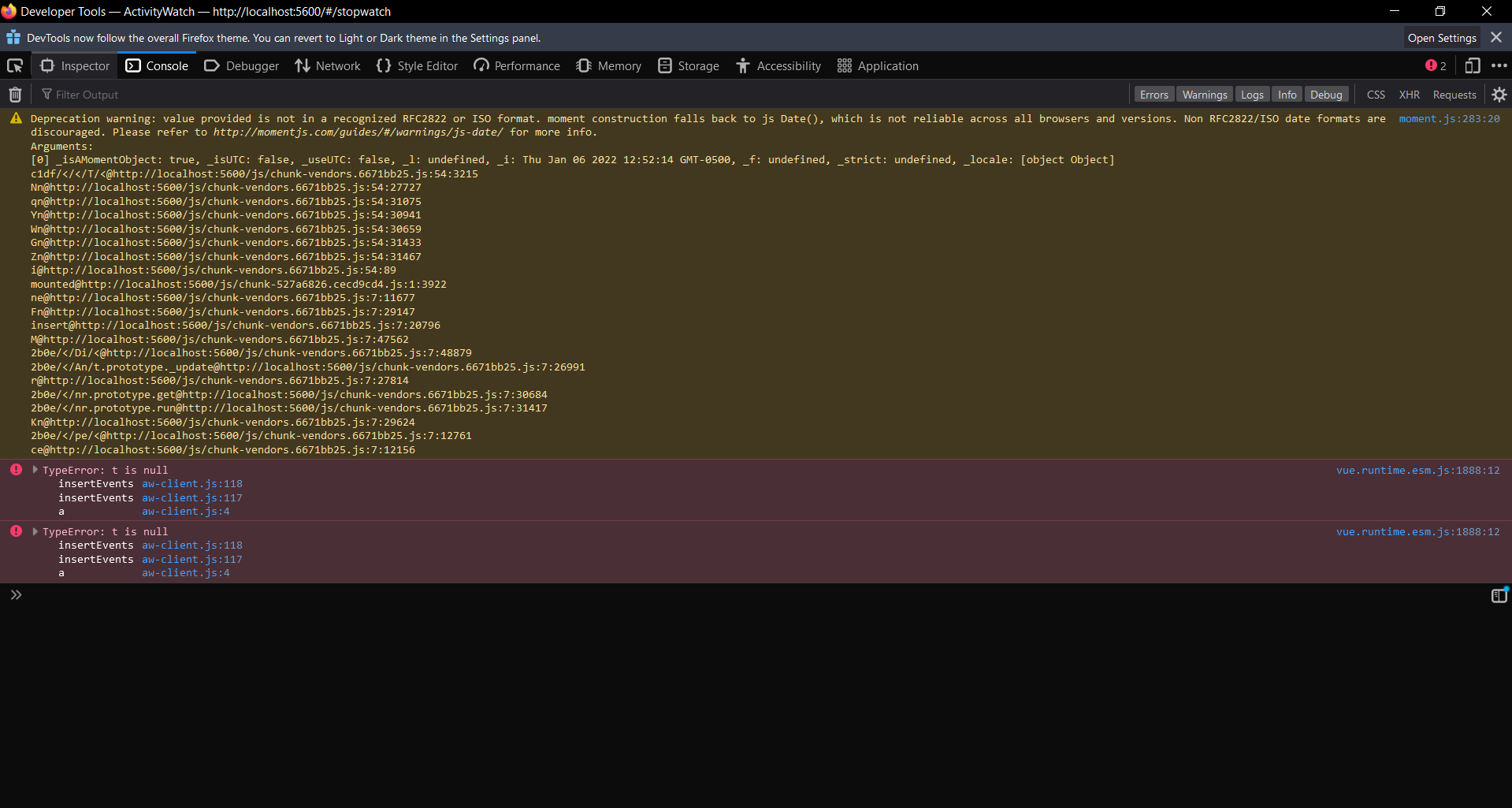 Reacted by serk
I have the same issue as @mrprints on my Linux machine. If I start a new event in the stopwatch it, I will get the TypeError and the UI will not update. Once I refresh the page, I will see a new event in the stopwatch so the action went through successfully. Note: same error and behaviour occurs on Stopping the event in the stopwatch


Describe the bug
I cannot start the stopwatch.
To Reproduce
TypeError: Cannot read properties of null (reading 'timestamp'). See dev console (F12) and/or server logs for more info.
Expected behavior
Normal behavior.
I can understand since the APP is under dev.
Documentation
aw-server_2021-12-14T09-34-20.log
Additional context