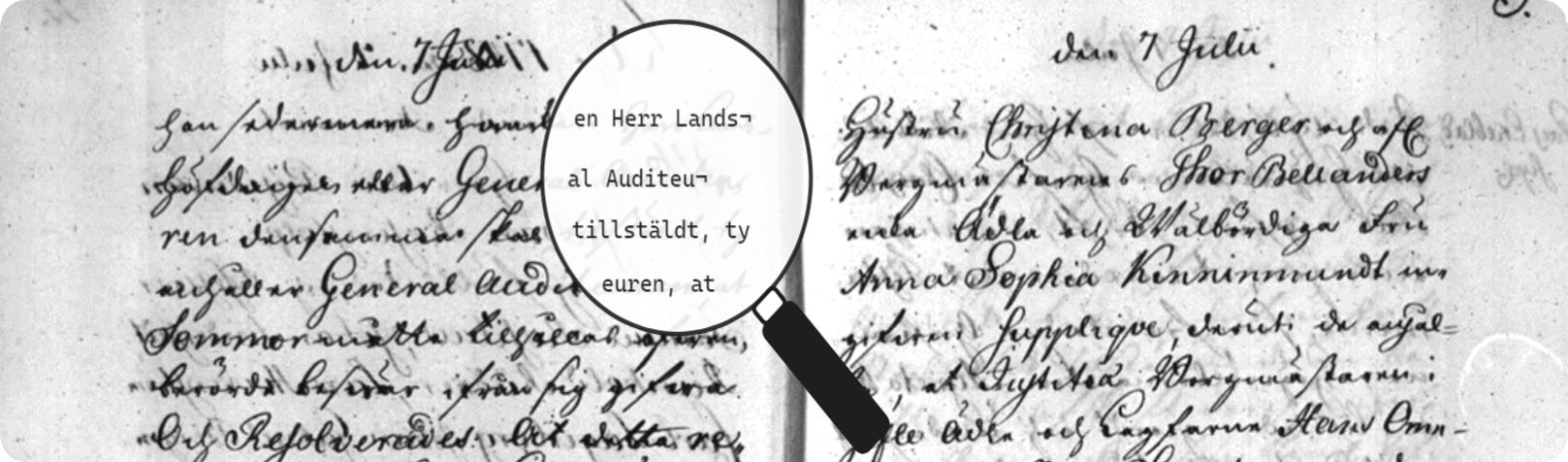
HTRflow_app, our interactive demo application that visualizes the entire Handwritten Text Recognition (HTR) process. With this demo, users can explore, step by step, how AI transforms historical manuscripts into digital text.
Please note that this is a demo application—not intended for production use—but it highlights the immense potential of HTR technology for cultural heritage institutions worldwide.
This demo consists of three tabs: Upload, Results, and Export and uses HTRflow as backend
-
Upload Tab:
- Upload Images: Start in the Upload tab by adding one or multiple images.
- Fetch Images: Alternatively, you can retrieve images from the Riksarkivet IIIF server.
- Choose a Template: Select a template that matches your material. For more details, see the HTRflow guide.
- Submit: Click Submit to start the HTR job. The HTRflow backend will then process your images and generate a Document Model.
-
Results Tab:
- This tab displays the updated state of the Document Model created from your submission. Your uploaded images and chosen template drive how the document is rendered and visualized in real time.
-
Export Tab:
- Use the Export tab to serialize and export the Document Model. Here, you can select the output format and choose name of the files that meets your needs.
- Python: Version 3.10 or higher
- pip: Python package installer
- (Optional) Docker: For containerized deployment
- (Optional) Nvidia GPU: For faster predictions..
git clone https://github.com/your_username/htrflow_app.git
cd htrflow_appInstall uv without activating a virtual environment:
pip install uvCreate a virtual environment with Python 3.10:
uv venv python 3.10Activate your newly created virtual environment:
source .venv/bin/activate # On Windows: .venv\Scripts\activateFor a one-time dependency sync, run:
uv syncOr, if you are developing and prefer an editable installation, run:
uv pip install -e .For "hot reload" when developing, launch the Gradio demo by running:
gradio app/main.pyFollow Installation and launch the Gradio demo by running:
uv run app/main.pyThen open your web browser and navigate to http://localhost:7860 (or the address displayed in your terminal) to interact with the demo.
-
Build the Docker Image:
docker build --tag htrflow/htrflow-app . -
Run the Docker Container:
docker run -it -d --name htrflow-app -p 7000:7860 htrflow/htrflow-app:latest
Now, visit
http://localhost:7000in your browser.
Alternatively, you can run HTRflow_app directly on Hugging Face with:
docker run -it -p 7860:7860 --platform=linux/amd64 --gpus all \
-e registry.hf.space/riksarkivet-htr-demo:latestThis project is open source. See the LICENSE file for details.


