ratatui-mergearea is a simple Automerge text editor widget for ratatui based on tui-textarea
Caution
This is work-in-progress library for another little project of mine, so not everything that works in the original library works here. Features get implemented and tested mostly once I need them :)
Warning
The API is not 100% compatible with tui-textarea. As an example, tui-rs support has been dropped,
and input() and input_without_shortcuts() methods replaced with input_emacs() and input() respectively.
Warning
Documentation for the crate is intentionally smaller compared to tui-textarea. For more examples and advanced configuration feel free to check it
Features:
- Multi-line text editor widget with basic operations (insert/delete characters, auto scrolling, ...)
- Emacs-like shortcuts (
C-n/C-p/C-f/C-b,M-f/M-b,C-a/C-e,C-h/C-d,C-k,M-</M->, ...) - Line number
- Cursor line highlight
- Text selection
- Mouse scrolling
Running cargo run --example in this repository can demonstrate usage of ratatui-mergearea.
cargo run --example syncsync.mov
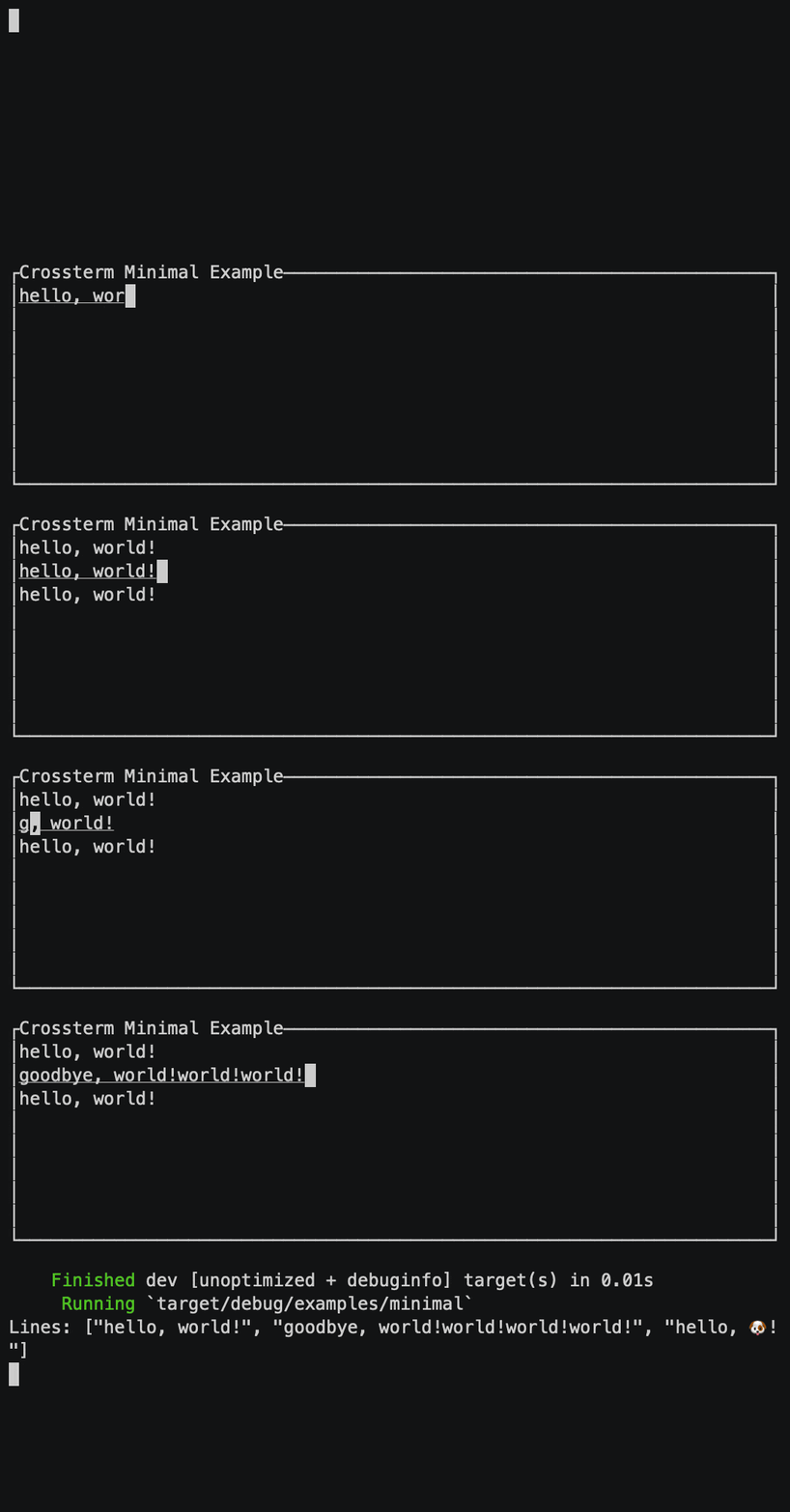
cargo run --example minimalMinimal usage with default Emacs-like mappings.
cargo run --example variableSimple textarea with variable height following the number of lines.
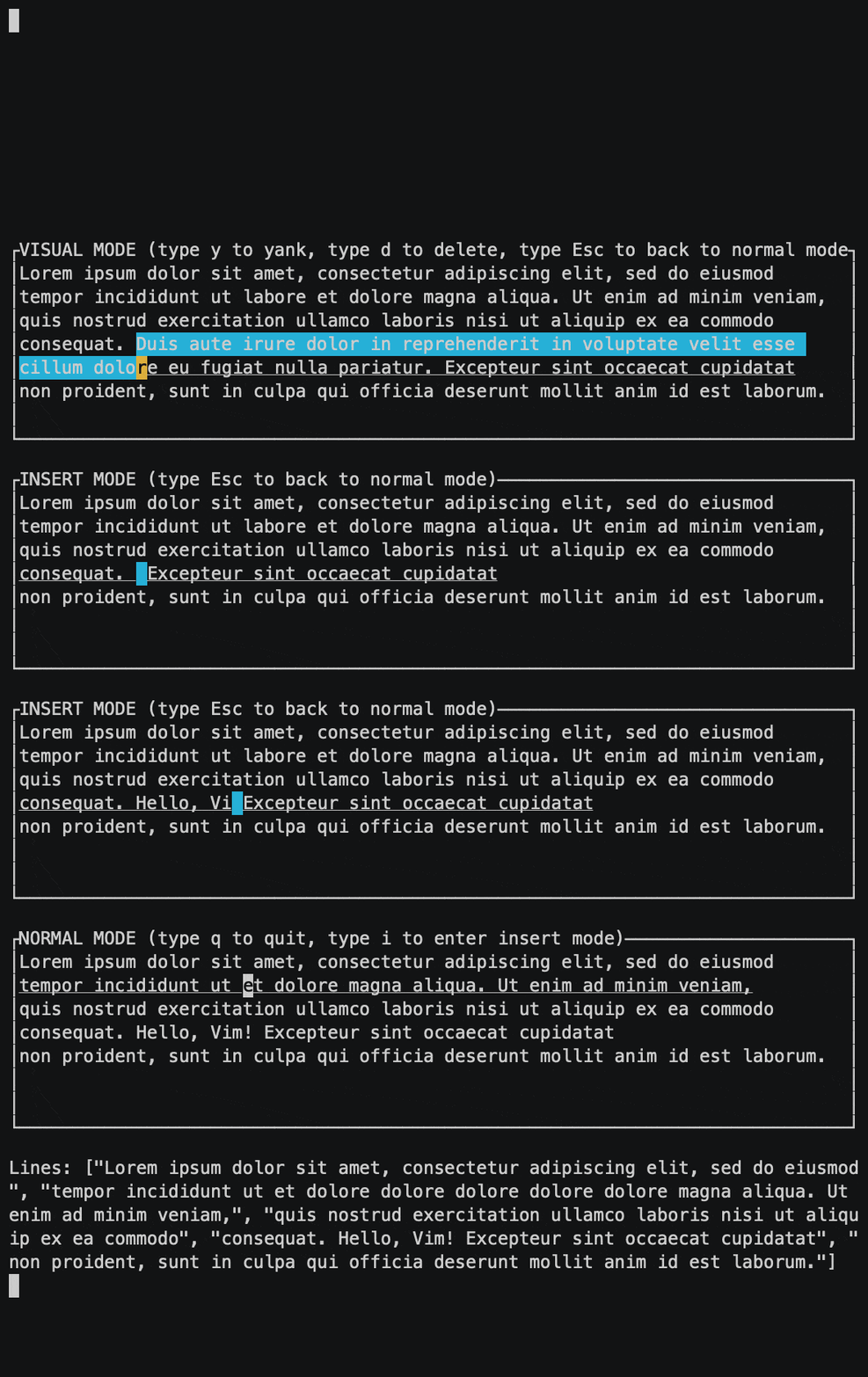
cargo run --example vimVim-like modal text editor.
Add ratatui-mergearea crate to dependencies in your Cargo.toml. This enables crossterm backend support by default.
use ratatui_mergearea::MergeArea;
use crossterm::event::{Event, read};

let mut term = ratatui::Terminal::new(...);

// Create an empty `MergeArea` instance which manages the editor state
let mut mergearea = MergeArea::default();

// Event loop
loop {
    term.draw(|f| {
        // Get `ratatui::layout::Rect` where the editor should be rendered
        let rect = ...;
        // Render the mergearea in terminal screen
        f.render_widget(&mergearea, rect);
    })?;

    if let Event::Key(key) = read()? {
        // Your own key mapping to break the event loop
        if key.code == KeyCode::Esc {
            break;
        }
        // `MergeArea::input` can directly handle key events from backends and update the editor state
        mergearea.input(key);
    }
}

println!("Lines: {:?}", mergearea.text().as_str());
&MergeArea reference implements ratatui's Widget trait. Render it on every tick of event loop.
MergeArea::input_emacs() receives inputs from tui backends. The method can take key events from backends such as
crossterm::event::KeyEvent or termion::event::Key directly if the features are enabled. The method handles default
key mappings as well.
Default key mappings are as follows:
| Mappings | Description |
|---|---|
Ctrl+H, Backspace |
Delete one character before cursor |
Ctrl+D, Delete |
Delete one character next to cursor |
Ctrl+M, Enter |
Insert newline |
Ctrl+K |
Delete from cursor until the end of line |
Ctrl+J |
Delete from cursor until the head of line |
Ctrl+U |
Undo |
Ctrl+R |
Redo |
Ctrl+C, Copy |
Copy selected text |
Ctrl+X, Cut |
Cut selected text |
Ctrl+Y, Paste |
Paste yanked text |
Ctrl+F, → |
Move cursor forward by one character |
Ctrl+B, ← |
Move cursor backward by one character |
Ctrl+P, ↑ |
Move cursor up by one line |
Ctrl+N, ↓ |
Move cursor down by one line |
Alt+F, Ctrl+→ |
Move cursor forward by word |
Atl+B, Ctrl+← |
Move cursor backward by word |
Alt+], Alt+P, Ctrl+↑ |
Move cursor up by paragraph |
Alt+[, Alt+N, Ctrl+↓ |
Move cursor down by paragraph |
Ctrl+E, End, Ctrl+Alt+F, Ctrl+Alt+→ |
Move cursor to the end of line |
Ctrl+A, Home, Ctrl+Alt+B, Ctrl+Alt+← |
Move cursor to the head of line |
Alt+<, Ctrl+Alt+P, Ctrl+Alt+↑ |
Move cursor to top of lines |
Alt+>, Ctrl+Alt+N, Ctrl+Alt+↓ |
Move cursor to bottom of lines |
Ctrl+V, PageDown |
Scroll down by page |
Alt+V, PageUp |
Scroll up by page |
Deleting multiple characters at once saves the deleted text to yank buffer. It can be pasted with Ctrl+Y later.
If you don't want to use default key mappings, see the 'Advanced Usage' section.
MergeArea implements Default trait to create an editor instance with an arbitrary text.
let mut mergearea = MergeArea::with_value("hello");MergeArea::new() creates an editor instance with text passed as autosurgeon::Text.
let mut text = autosurgeon::Text::with_value("hello");
let mut mergearea = MergeArea::new(text);MergeArea::text() returns text as &autosurgeon::Text.
let text = mergearea.text();