
A Vue.js 3 UI Component Library.(Vue.js 3 UI 组件库。)
Ingeniously crafted, the ultimate experience. Enterprise-level component library solution
(匠心打造,极致体验。企业级组件库解决方案)
Alright, for you to get started if you are looking for making ImDesign better you should keep reading. For developers that uses ImDesign to develop your website you should go ahead visit Getting Started.
(好了,如果你想让 ImDesign 变得更好,那就继续阅读吧。对于使用 ImDesign 开发网站的开发者,你应该继续阅读“入门”。)
Its design concept is "craftsmanship, ultimate experience". Make your development more efficient and make your product more beautiful.
(它的设计理念是“匠心打造,极致体验”。让你的开发更加高效,让你的产品更加美观。)
Our components are constantly being improved. If you have any suggestions or questions, please raise them in Issues. In the future, ImDesign will support more components and will be more perfect.
(我们组件正在不断完善中,如果你有任何建议或者问题欢迎在 Issues 中提出。 未来 ImDesign 会支持更多的组件,也会更加完善。)
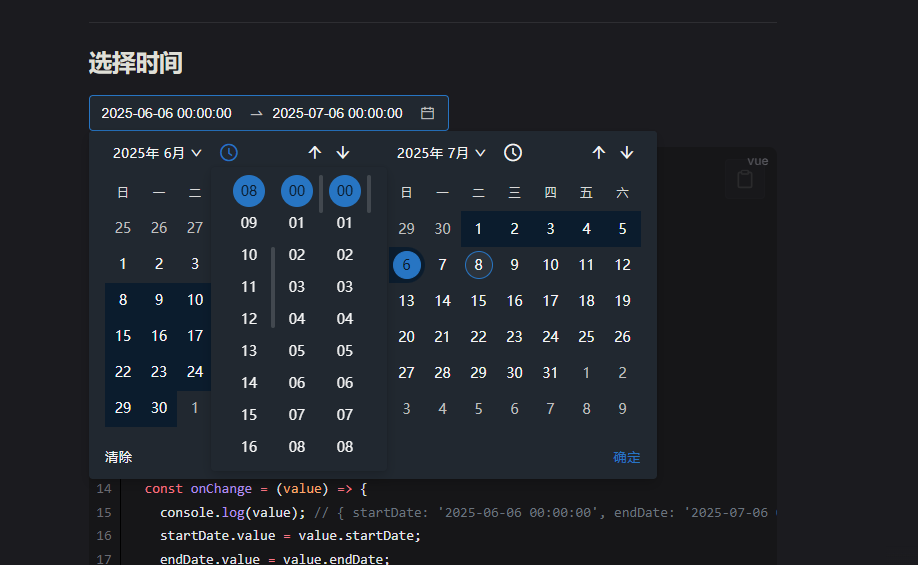
Show Components Preview
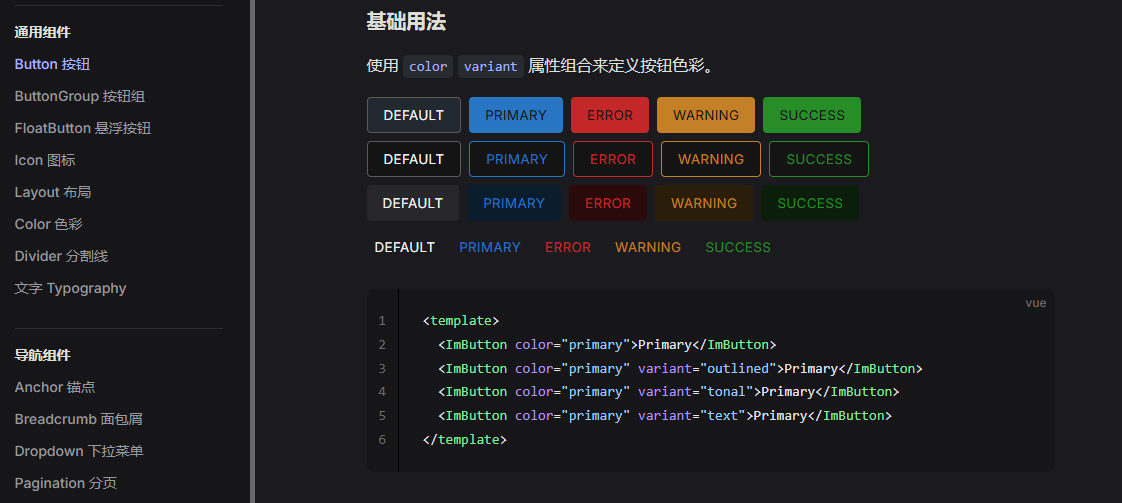
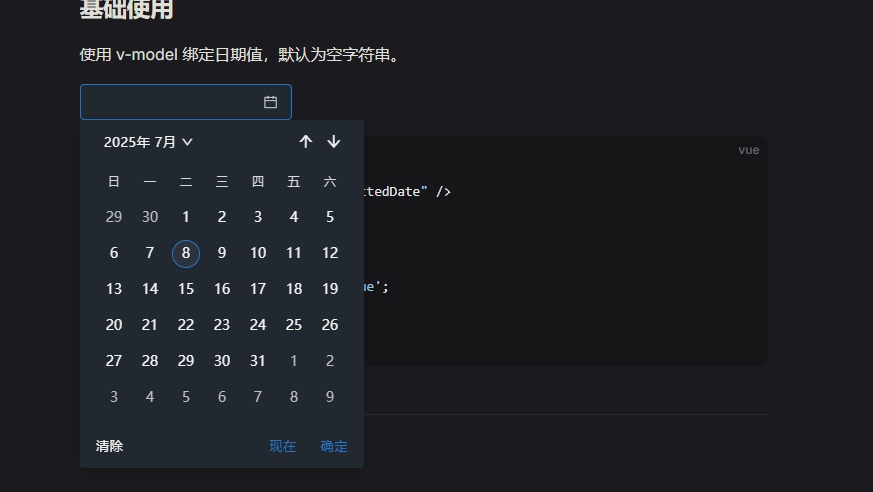
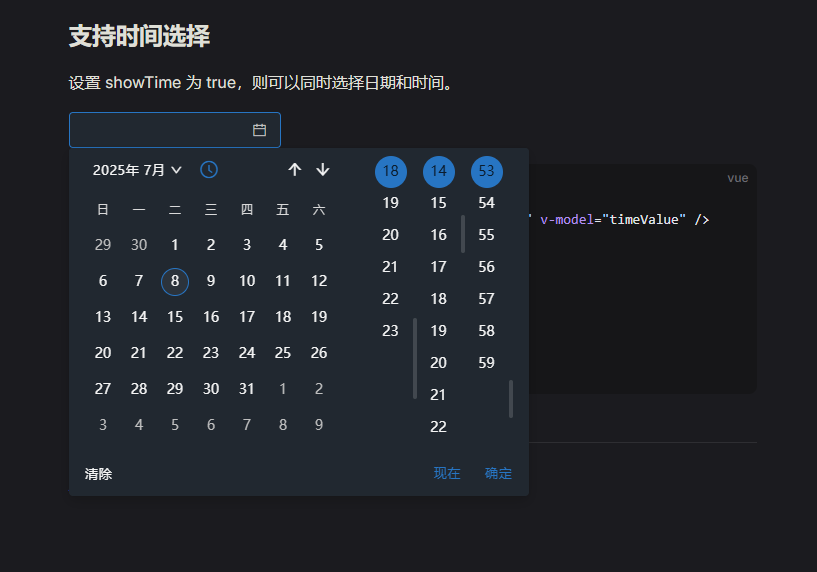
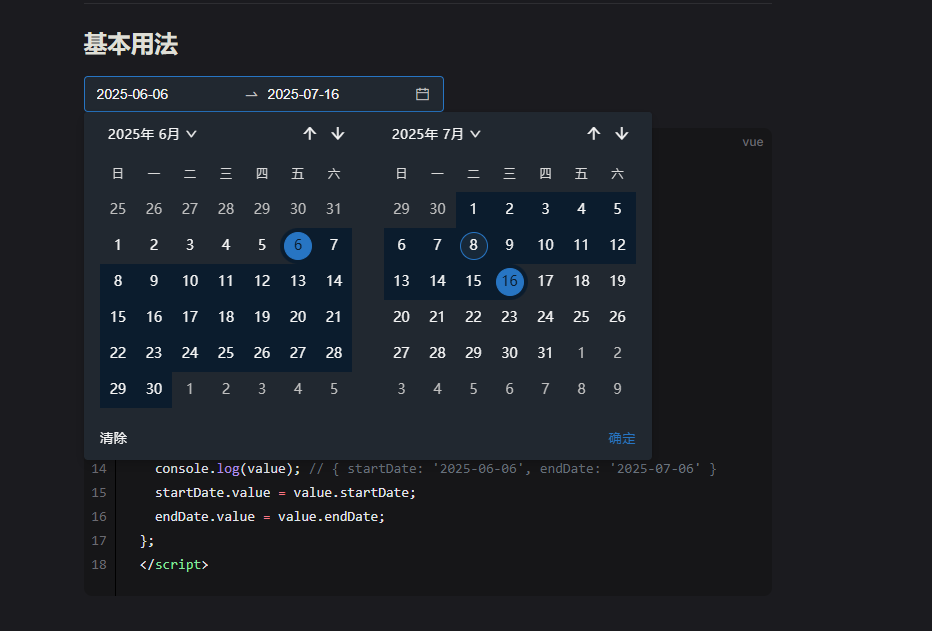
# 使用 npm
npm install im-design --save

# 使用 yarn
yarn add im-design

# 使用 pnpm
pnpm add im-designSupport auxiliary import and full import methods
(支持按需导入和全部导入方式)
// main.js
import { createApp } from 'vue';
import App from './App.vue';
import ImDesign, { ImDirective } from 'im-design';
import 'im-design/dist/index.css';

const app = createApp(App);
app.use(ImDesign, { size: '36', zIndex: 1000 });
app.use(ImDirective);
app.mount('#app');// main.ts
import { createApp } from 'vue';
import App from './App.vue';
import { ImButton } from 'im-design';
import 'im-design/dist/index.css';
const app = createApp(App);
app.component(ImButton.name, ImButton);
app.mount('#app');<template>
<div class="demo-container">
<im-button type="primary" @click="handleClick">
Click {{ count }}
</im-button>
</div>
</template>
<script setup>
import { ref } from 'vue';
const count = ref(0);
const handleClick = () => {
count.value++;
};
</script>Click here to view the documentation.点击这里查看文档。
MIT © im-design