
Executable can be found here Releases
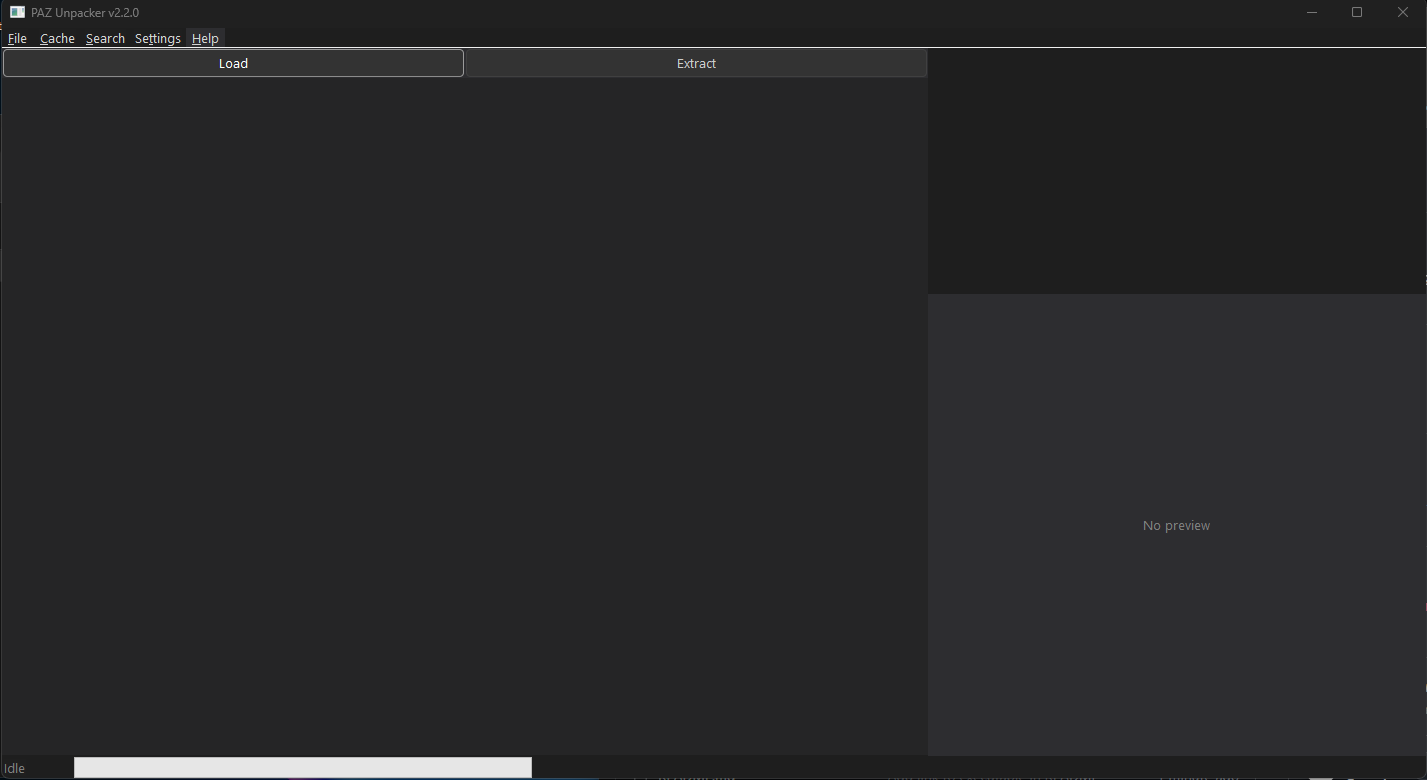 A Windows GUI tool for unpacking and extracting files from Black Desert Online (BDO)
 .PAZ archive files.
This is a community-maintained fork of kukdh1/PAZ-Unpacker.
Full credit for the original work goes to kukdh1. See CREDITS for details.
- Browse the virtual filesystem inside BDO PAZ archives
- Extract individual files, folders, or entire archives
- Dark mode UI — full dark theme across all controls and windows
- Settings dialog — configure your PAZ folder and extract path once; no dialogs after that
- Load button — one-click load from your saved PAZ folder path
- Extract button — extracts directly to your saved path, no browse dialog if already configured
- Search window — fast non-blocking search across all 800k+ files with live filtering
- Check for Updates — checks GitHub releases for new versions
- File preview — inline DDS/PNG/BMP texture preview panel
- Cache — binary cache (v2) for fast startup; embeds folder path for multi-installation support
- Multi-language support (English, Japanese, Korean)
- Displays file metadata: size, PAZ source, internal path
The original project was last updated in 2015. This fork modernises the codebase while keeping full compatibility with the original PAZ format.
| Area | Change |
|---|---|
| Platform | Upgraded from 32-bit to 64-bit (x64) — handles large archives correctly |
| Compiler | VS2015 (v140) → VS2025 (v145) with /std:c++latest (C++26) |
| Memory | Raw pointers / calloc/free → std::unique_ptr, std::vector |
| Strings | Fixed-size WCHAR[4096] buffers → std::wstring throughout |
| Paths | Manual CreateDirectory loop → std::filesystem::create_directories |
| Error handling | Silent failures → std::runtime_error with descriptive messages |
| Thread safety | Added std::atomic<bool> busy flag guarding all thread spawns |
| Assertions | assert() precondition checks on all critical parsing functions |
| Code quality | nullptr throughout, const-correct getters, range-based for loops |
- Windows 10 or 11 (x64)
- Visual Studio 2025 with the Desktop development with C++ workload
- Windows SDK 10.0
- Open
PAZ-Unpacker.slnin Visual Studio 2025 - Select Release | x64
- Build → Build Solution (
Ctrl+Shift+B) - Copy the four
Setting*.xmlfiles alongside the built.exe
- Launch
PAZ-Unpacker.exe - Go to Settings → Configure Paths and set your PAZ folder (the folder containing
pad00000.meta) and your preferred extract output folder - Click Load to load the PAZ archive — subsequent launches just press Load
- Browse the file tree on the left
- Select a file, folder, or the root node, then click Extract
- Use Search in the menu bar to search across all files by name or extension (e.g.
.dds,ui_texture)
- Tested on KR client. The meta file format changed on KR client since 2016.05 (decrypt key changed).
- If an extracted file begins with
0x6E, the first 9 bytes are a compression header:0x6E : Header magic DWORD : Original file size DWORD : Compressed file size - BDO client (and XIGNCODE3) does not check CRC codes on packed files.
The original source code has no license — all original rights belong to kukdh1.
Modifications made in this fork are © the contributors of this repository.
See CREDITS for full attribution.