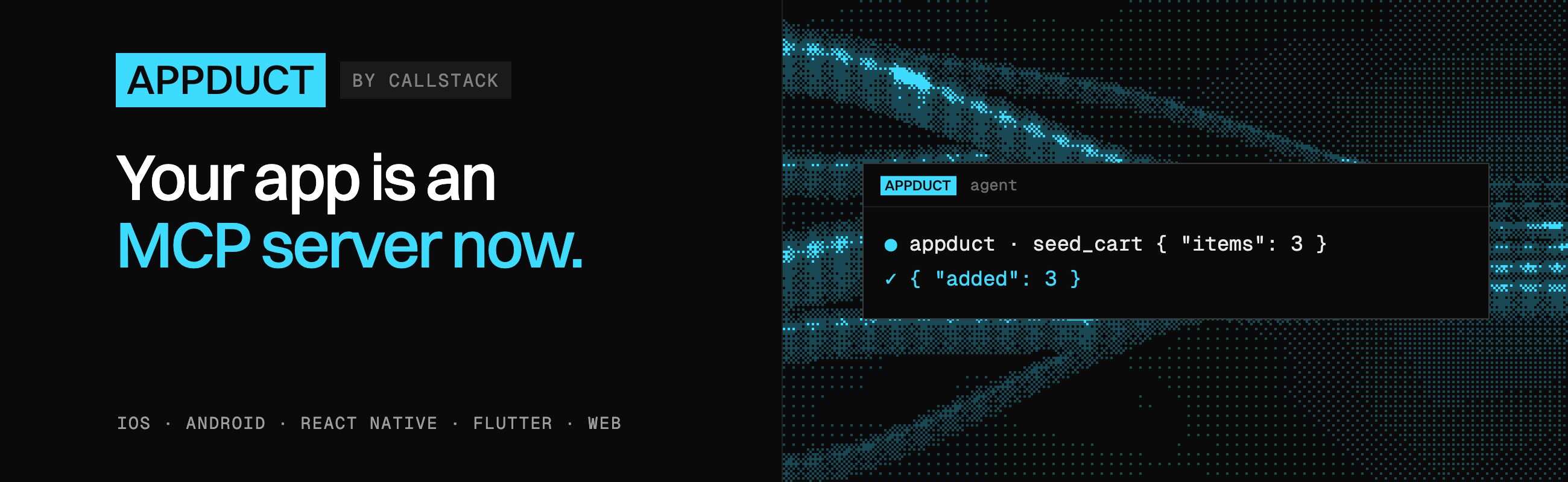
Call functions inside your running React Native app from a terminal, a test runner or an AI agent. Register tools in JavaScript with @appduct/react-native; only the tools you register are reachable.
- React Native with the New Architecture. iOS requires 15.1 or newer.
- An Expo development build or a bare React Native app. Expo Go doesn't run Appduct's native module.
- The
appductCLI on your computer:npm install -g appduct(Node 20 or newer).
Install the SDK and Zod 4:
npm install @appduct/react-native zod@^4For an Expo app, set a URL scheme in app.json:
{
  "expo": {
    "scheme": "myapp"
  }
}
For bare React Native, complete the native link setup before connecting.
Import /auto once in your JS entry file to receive links and restore sessions:
import "@appduct/react-native/auto";Register a tool in a component mounted near your app's root:
import { useAppductTool } from "@appduct/react-native";
import { z } from "zod";

export function AppductTools() {
  useAppductTool({
    name: "seed_cart",
    description: "Fill the cart with test items.",
    inputSchema: z.object({ items: z.number() }),
    outputSchema: z.object({ added: z.number() }),
    handler: async ({ items }) => ({ added: items }),
  });

  return null;
}
Mount <AppductTools /> in your existing app. Rebuild and run the Expo development client:
npx expo run:iosFor bare React Native, install pods on iOS and rebuild as usual. In another terminal, from your app's project root:
appduct sessions link --scheme myapp --open ios-sim
appduct tools ls
appduct tools call seed_cart --input '{"items":3}'
The tool returns {"added":3}. For Android, use npx expo run:android and record your installed build's id with appduct init --scheme myapp --android-app-id com.example.shop, then use --open android.
- Mount the component that registers the tool.
useAppductToolregisters while mounted and calls the latest handler. UseregisterTooloutside React; see the API reference. - Choose a schema form. Zod 4 works directly. Other validators may need a
{ schema, jsonSchema }pair; raw JSON Schema works without runtime validation. Inputs must accept an object. See Schemas. - Give slow tools a timeout. Calls get 10 seconds unless registration declares
timeoutMs. See Long-running tools. - Reconnect after process death.
/autoresumes sessions after Metro reloads and short network drops. Killing the app requires a new link. If you handle links yourself, callrestoreSession(); see Manual link handling. - Configure Metro for Web builds. Wrap your Metro config in
withAppductto use the same tools on Web; see Build variants.
Appduct's native module is included in debug builds by default. When it is absent, registration is inert and connect() rejects with appduct_disabled. To include it in an internal release build or strip its JavaScript too, follow Build variants. Use the hook's { enabled } option to gate individual tools.
Pin an included build to your key before distributing it. Check a built app that should exclude Appduct:
appduct doctor build/Shop.ipa --assert-absent- React Native setup: Expo, bare apps and troubleshooting
- API reference: entry points, hooks, events and config
- Write tools: annotations, groups and cancellation
- Connect an agent over MCP
- Security: trust and key pinning
- React Native playground: a runnable example
appduct is an open source project and will always remain free to use. If you think it's cool, please star it 🌟. Callstack is a group of React and React Native geeks, contact us at hello@callstack.com if you need any help with these or just want to say hi!
Like the project? ⚛️ Join the team who does amazing stuff for clients and drives React Native Open Source! 🔥