
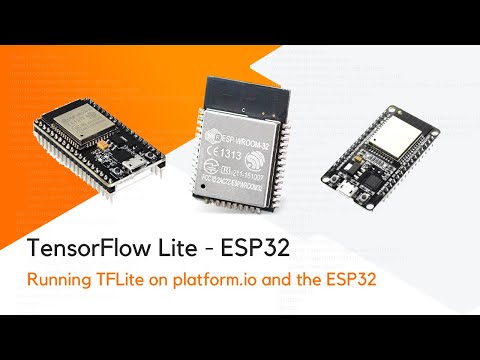
This repo demonstrates how to use a TensorFlow model on the ESP32 using Platform.io.
There's a walkthrough video here: https://youtu.be/kZdIO82059E
To train the model you'll need a python environment. Make sure you have python 3 installed on your system:
python3 --version
Then run the following command to create a virtual python environment.
python3 -m venv venv
Activate the environment using:
. ./venv/bin/activate
And install the dependencies using:
pip install -r requirements.txt
Make sure you have activated the virtual environment using:
. ./venv/bin/activate
Then run:
jupyter notebook .
Open up the train_model notebook and follow the instructions in the notebook.
Once you've trained and converted the model run:
xxd -i converted_model.tflite > firmware/src/model_data.cc
You can then open up the platform.io project in firmware folder and try it out.
