- Version: Kinetic 1.12.14
- OS: Ubuntu 16.04
- xboxdrv: Communication with XBOX controller
Written in python, this package was created to control the turtle with a XBOX controller.
Contains a Publisher/Subscriber node that takes commands from joystick and send to the turtlesim through topics communication. This solution was based in Andrew Dai post found here and improved the issue related to a continuos direction command (callback is not called, even if you are sending the turtle to some direction because the joystick does not send any sign).
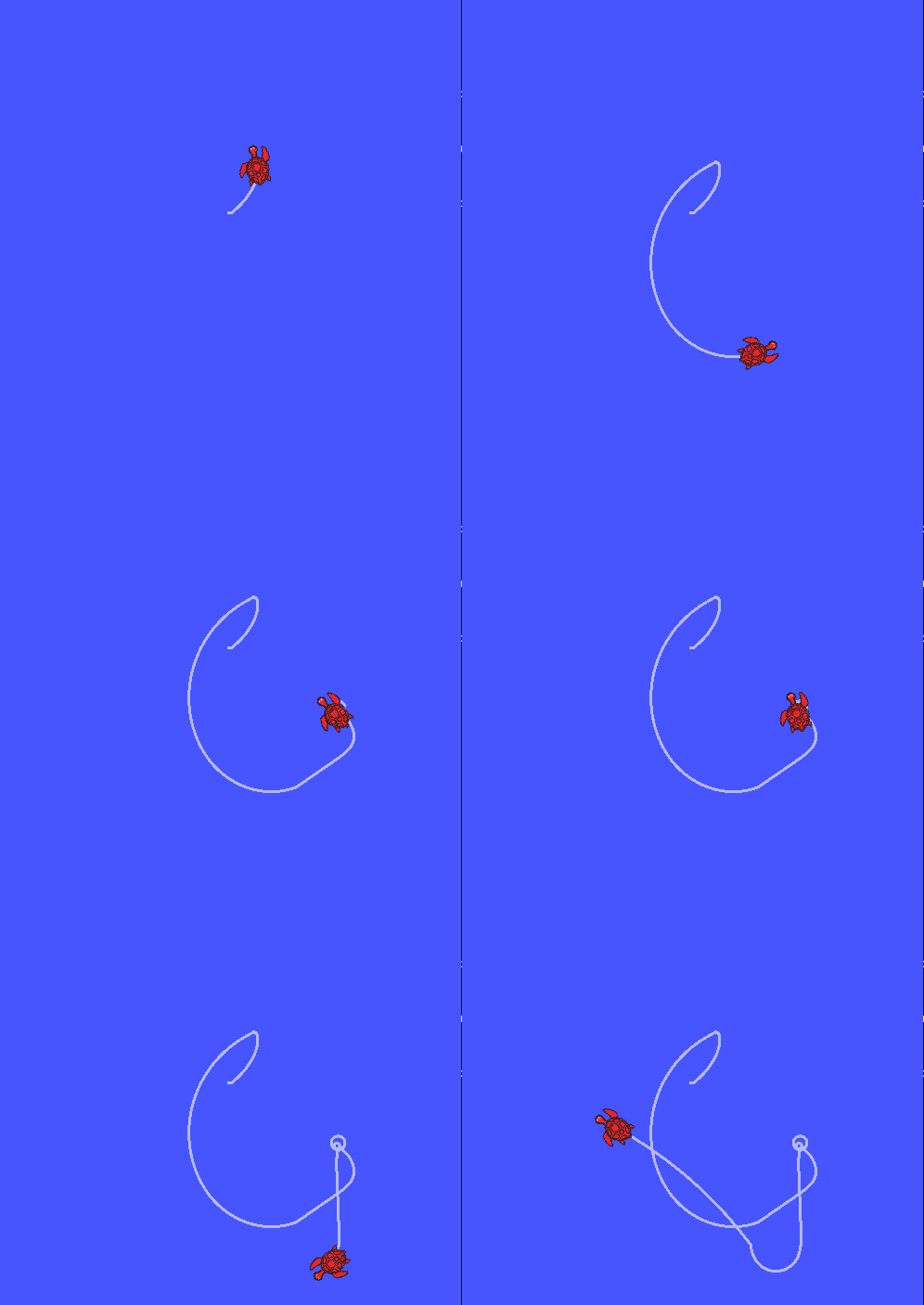
Example: Moving the turtle with the joystick
sudo rmmod xpad
sudo su
echo "blacklist xpad" > /etc/modprobe.d/blacklist.conf
sudo add-apt-repository ppa:grumbel/ppa
sudo apt-get update
sudo apt-get install xboxdrv
First, you need to install this through terminal:
sudo apt-get install subversion
After that, in a terminal in your src folder:
svn export https://github.com/KaikeWesleyReis/how-to-ROS/trunk/joy_ts
cd ..
catkin_make #or catkin build
For each line bellow, open a new terminal to run the application:
roscore
sudo xboxdrv --detach-kernel-driver
rosrun joy joynode
rosrun turtlesim turtlesim_node
rosrun joy_ts joy_ctrl.py
PS: If you have any communication problem between xboxdrv and joy (most because different USB input), use this line BEFORE start joy_node: > rosparam set joy_node/dev /dev/input/jsK, where K is a number related to your USB input shown by xboxdrv.