


The Collection Runner is perfect for automation processes. For example you need to add a specific Security Group into every new Workspace. Now you can use the Collection Runner to do that. In the first step you need the authentication process. After that you can grad with "Get Workspaces" every new Workspace with some filters. And at last you can use a Post request to push the Security Group into the new Workspaces. Of course you need to do some adjustments to my Demo here to archieve this but it will safe you a lot of time 😉
| Description | Links |
|---|---|
| Use Variables in Postman | Here |
| Extracting data from responses and chaining requests in Postman | Here |
| Desciption | Snapshot |
|---|---|
| In the first step we need to create a new collection. We will call this new Collection "Collection Runner" | 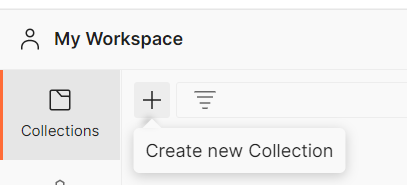 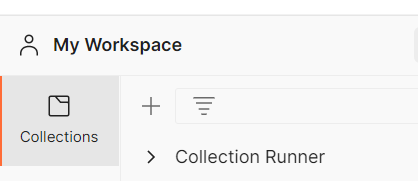 |
| Next we create import our "Get User Token" and our "Get Workspaces" (Code) in our collection. | 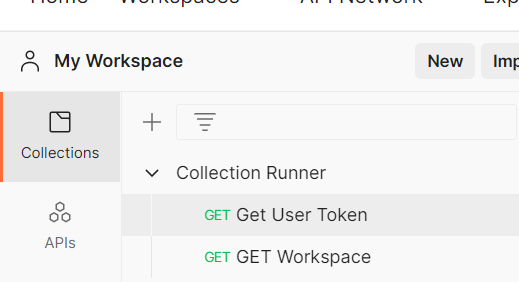 |
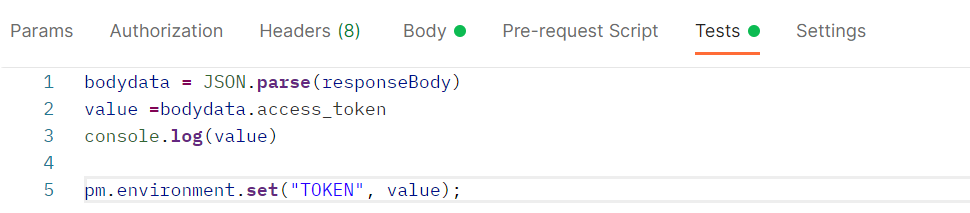
| Now we put the "Test Script" into the Test section of our "Get User Token" (Code).
This time I use an enviromental variable. To create an environmental Variable you need to create a environment first. To create an environment click the 3 icon on the left side bar. |
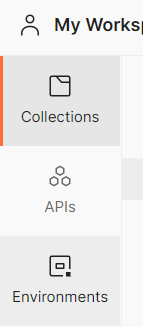
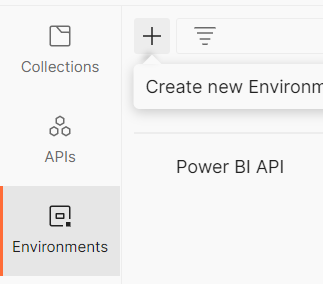
|
| To see if the variable was retrieved correctly, click on the eye icon in the upper right corner. | 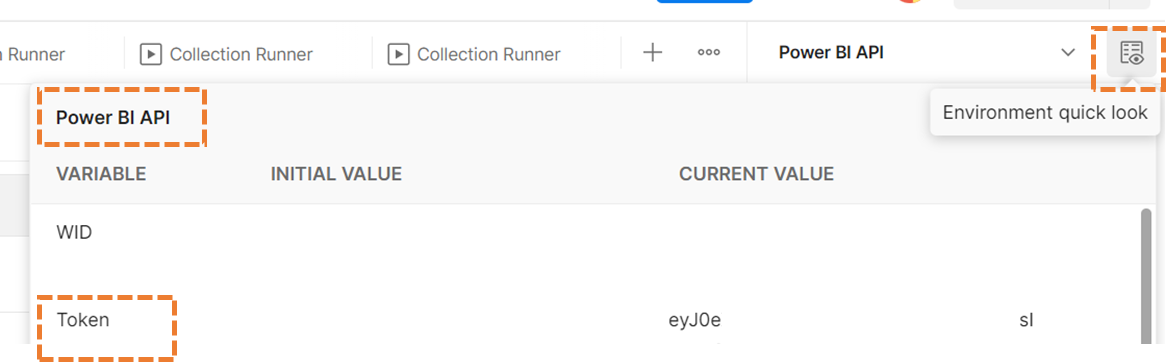 |
| If the variable retrieved correctly we can change the "Get Workspace" request. I found out that If you like to use the Collection Runner you have to put the Token (in our case) we get from the "Get User Token" into the Body. So let's put in the Token into our Body section. Click on "Body" and on "from-data". Put in the KEY = Token and in Value= {{TOKEN}} |
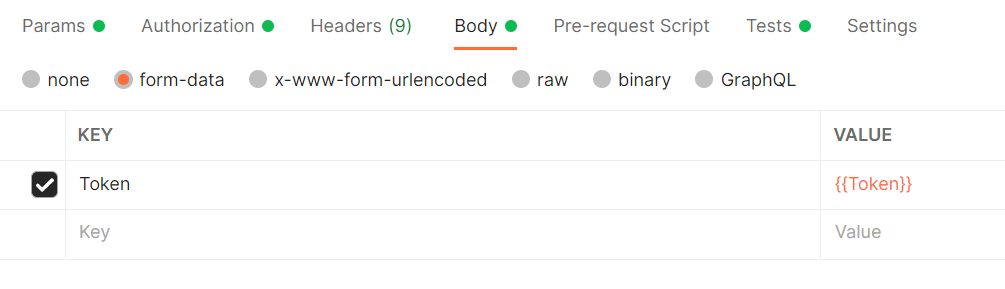 |
| Next we can put another Code into our Test section into "Get Workspaces", for example we can grab the WorkspaceIDs. And this Workspace ID we extract can be used in another request. And so on. | 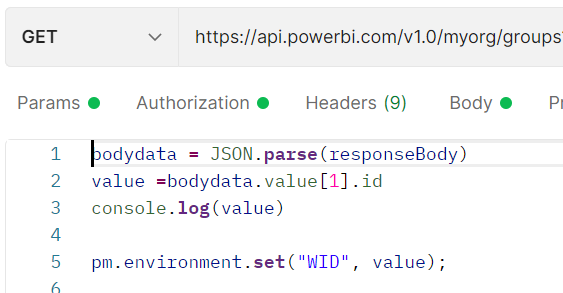 |
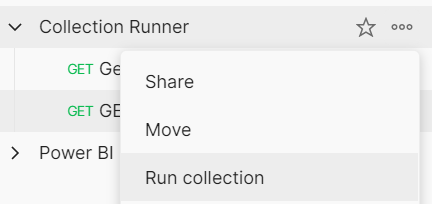
| At least the best part. Check if you Collection runner works. Click in the 3 dots beside the "Collection Runner" Name on the left side bar and choose "Run collection". |
 |
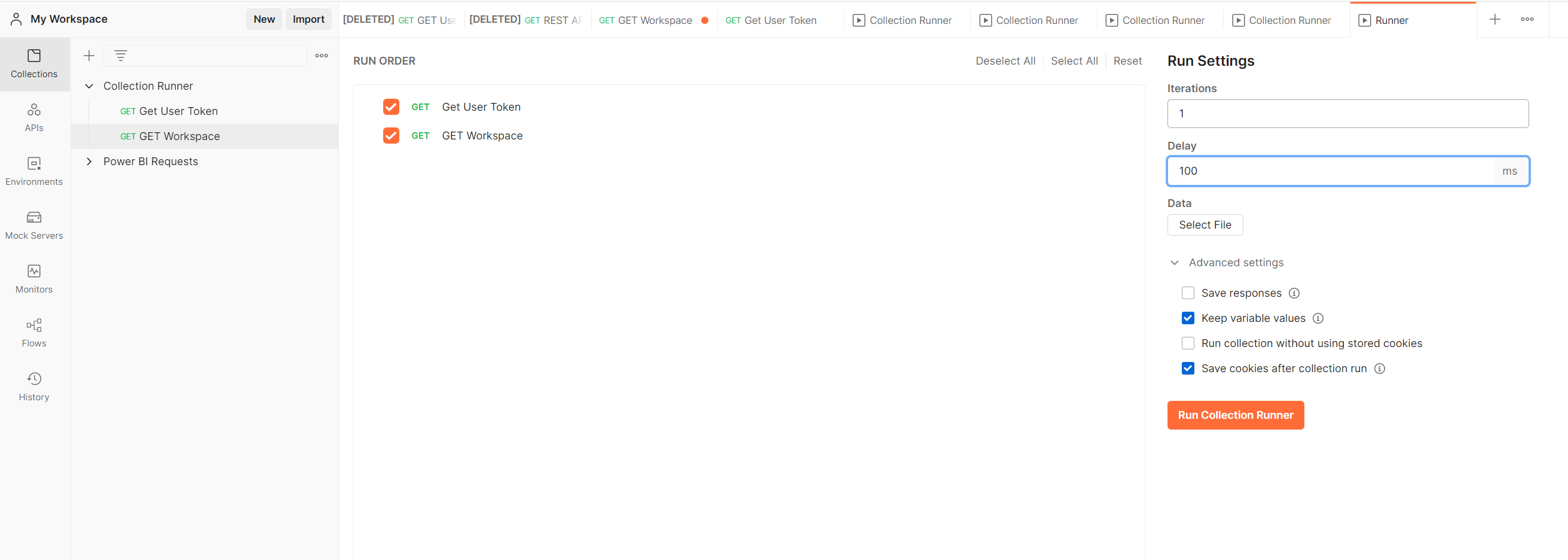
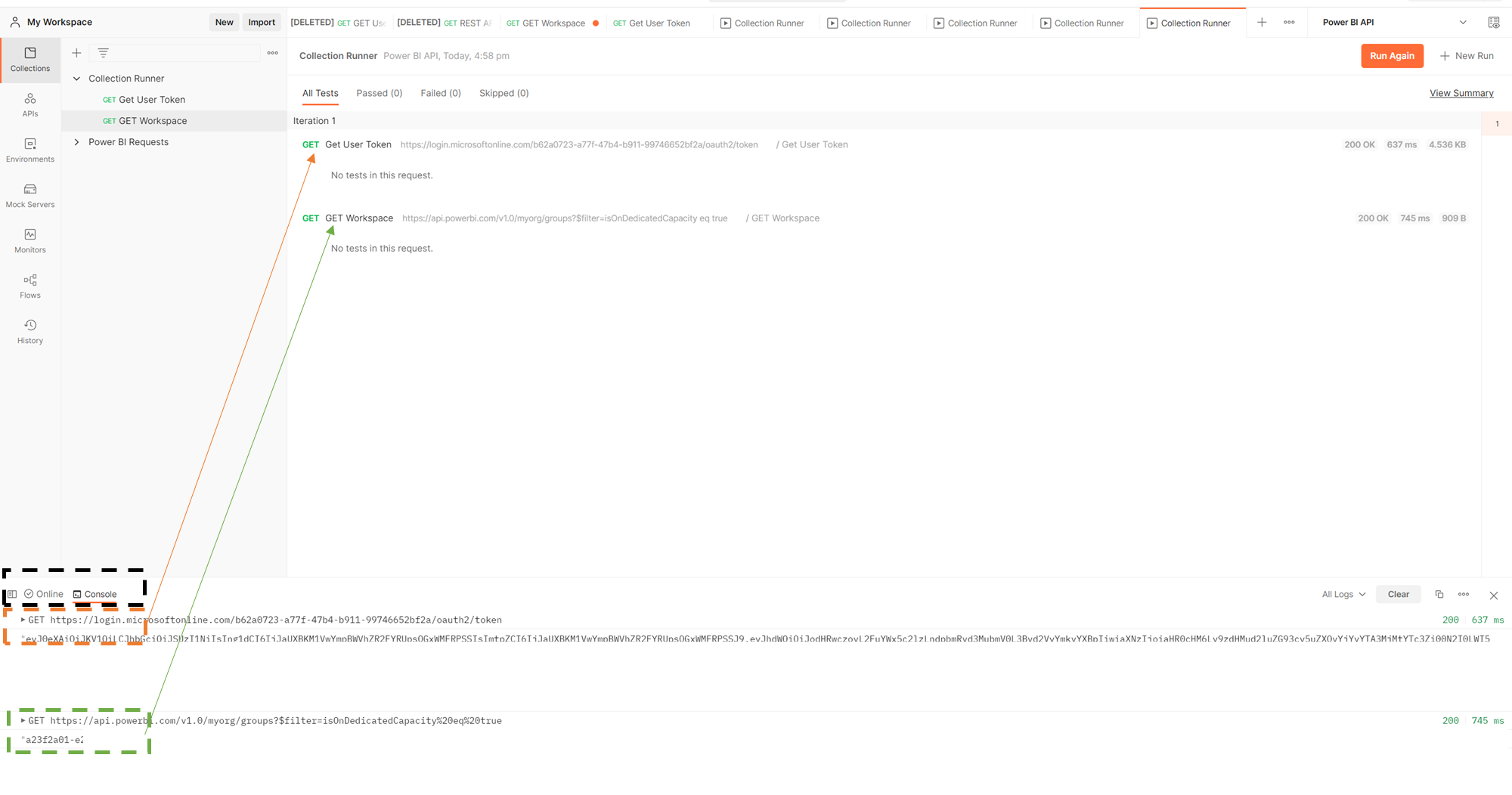
| Set Iteration on 1, Delay on 100ms, and the rest can be as it is. If you are ready click "Run Collection Runner". You can check your result in the Consol below. |
 |